
Introduction
Whether you are shopping for school, work, or casual gaming, following a comprehensive laptop buying guide is the first step toward making a smart investment.
Buying a laptop used to be simple. You picked a brand, checked the price tag and made a decision. Today, the landscape is vastly different. Hundreds of models compete for attention, each promising superior performance, longer battery life, and cutting-edge features.
Choosing the right laptop matters more than ever because it has become the centerpiece of work, learning, entertainment, and communication. A good laptop can boost productivity and remain useful for years. A poor choice can lead to frustration, sluggish performance, and unnecessary expenses.
Whether you are a student, professional, or casual user, keeping a reliable laptop buying guide handy simplifies the process by breaking down everything you need to know before investing in a new device.
Understanding Your Laptop Needs
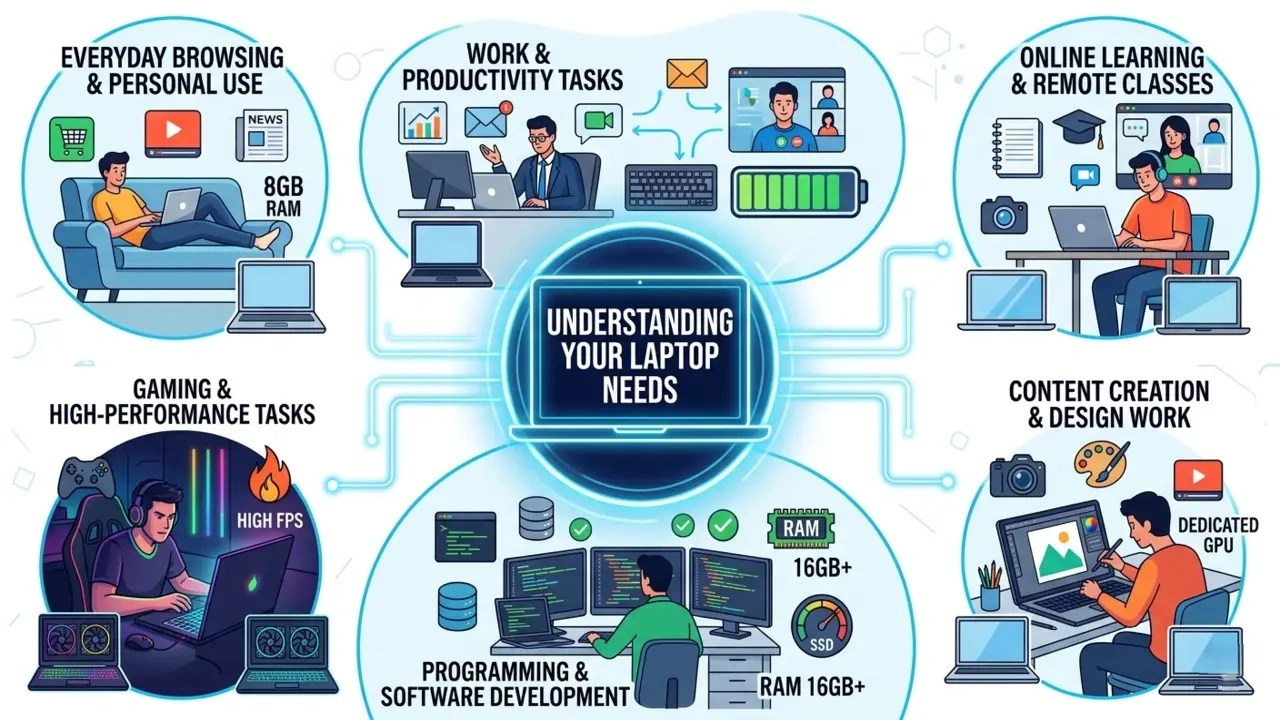
The biggest mistake buyers make is focusing on specifications before identifying their actual needs.
Everyday Browsing And Personal Use
If your activities revolve around web browsing, streaming videos, social media, online shopping and occasional document editing, you don’t need an expensive powerhouse. A mid-range laptop with a modern processor and 8GB of RAM will handle these tasks effortlessly.
Work And Productivity Tasks
Professionals working with spreadsheets, presentations, video conferencing and multiple applications should prioritize multitasking performance, comfortable keyboards and long battery life.
Online Learning And Remote Classes
Students attending virtual classes need a dependable webcam, microphone, decent battery life and lightweight portability. Reliability often matters more than raw power.
Content Creation And Design Work
Graphic designers, photographers and video editors require strong processors, color-accurate displays, sufficient RAM and dedicated graphics capabilities.
Programming And Software Development
Developers often run multiple applications, virtual machines and development environments simultaneously. A fast SSD, ample RAM and a capable processor are essential.
Gaming And High-Performance Tasks
Gamers should focus on graphics performance, display refresh rates, cooling systems and overall hardware balance rather than processor speed alone.
Questions To Ask Yourself Before Buying
Before spending your hard-earned money, a comprehensive laptop buying guide suggests asking yourself a few fundamental questions:
- What will I use the laptop for most?
- How often will I travel with it?
- What is my budget?
- How long do I expect it to last?
- Do I need specialized software?
The answers will narrow your options significantly.
Types Of Laptops Explained
Traditional Laptops
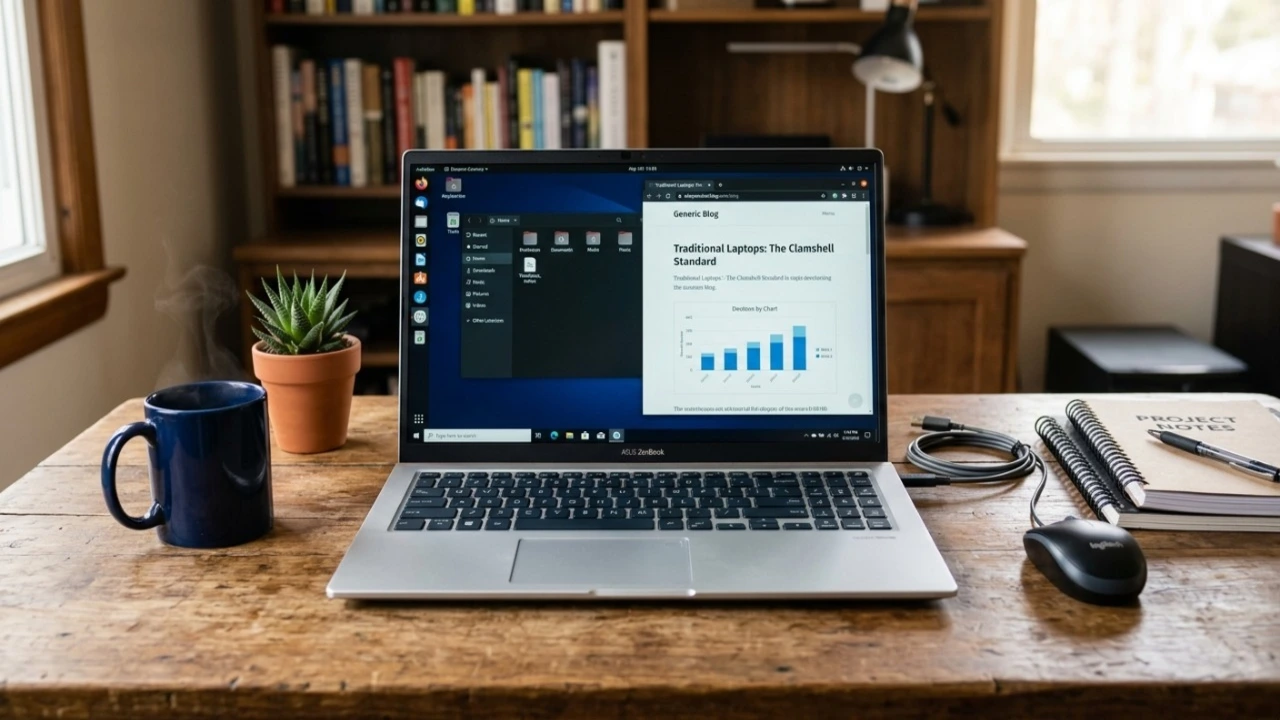
These are the standard clamshell devices most people recognize. They offer excellent value and suit a broad range of users.
Ultrabooks

Ultrabooks emphasize portability without sacrificing performance. They are sleek, lightweight, and ideal for professionals constantly on the move.
2-In-1 Convertible Laptops
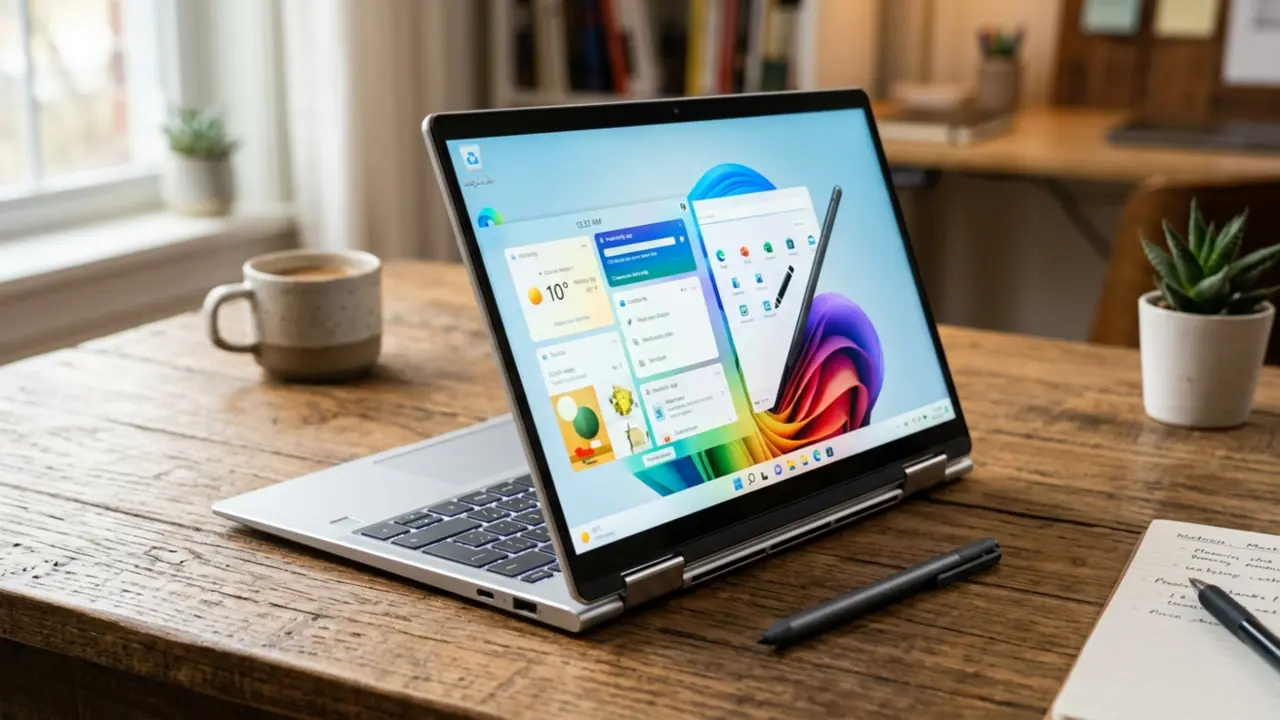
These versatile devices function as both laptops and tablets. They are perfect for users who value flexibility and touchscreen functionality.
Gaming Laptops
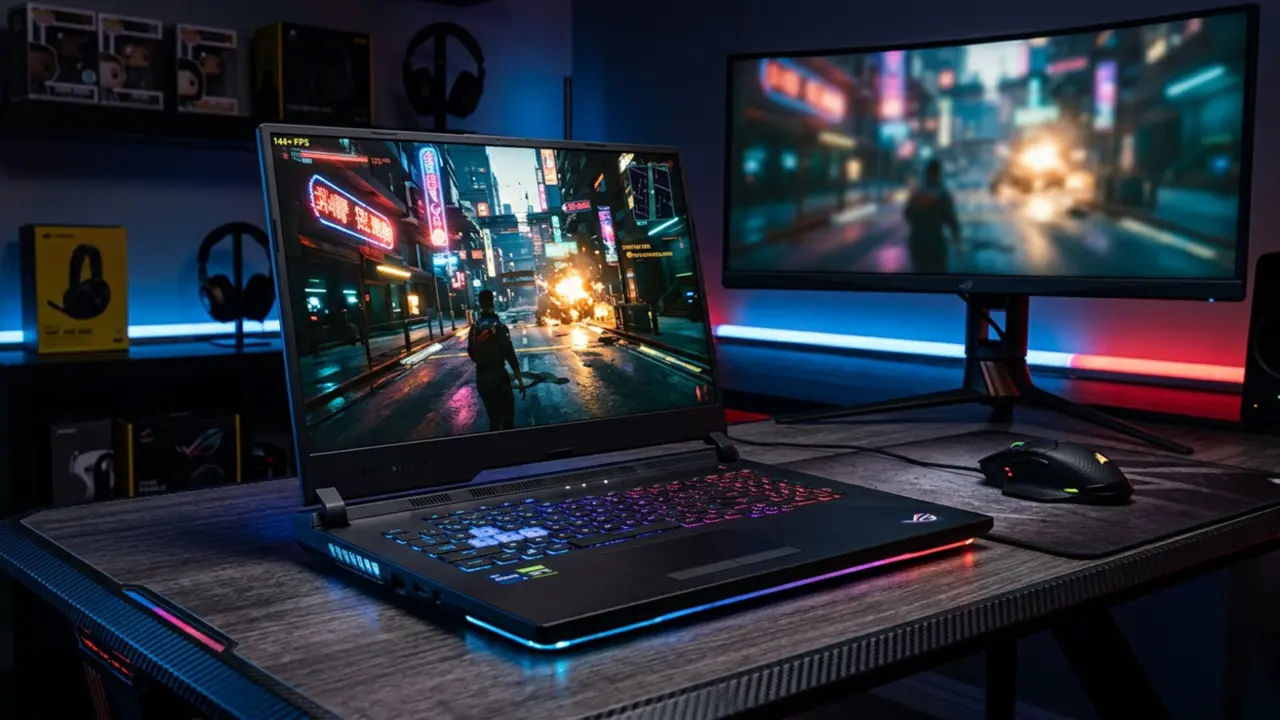
Built for performance, gaming laptops include powerful GPUs, advanced cooling systems, and high-refresh-rate displays.
Business Laptops
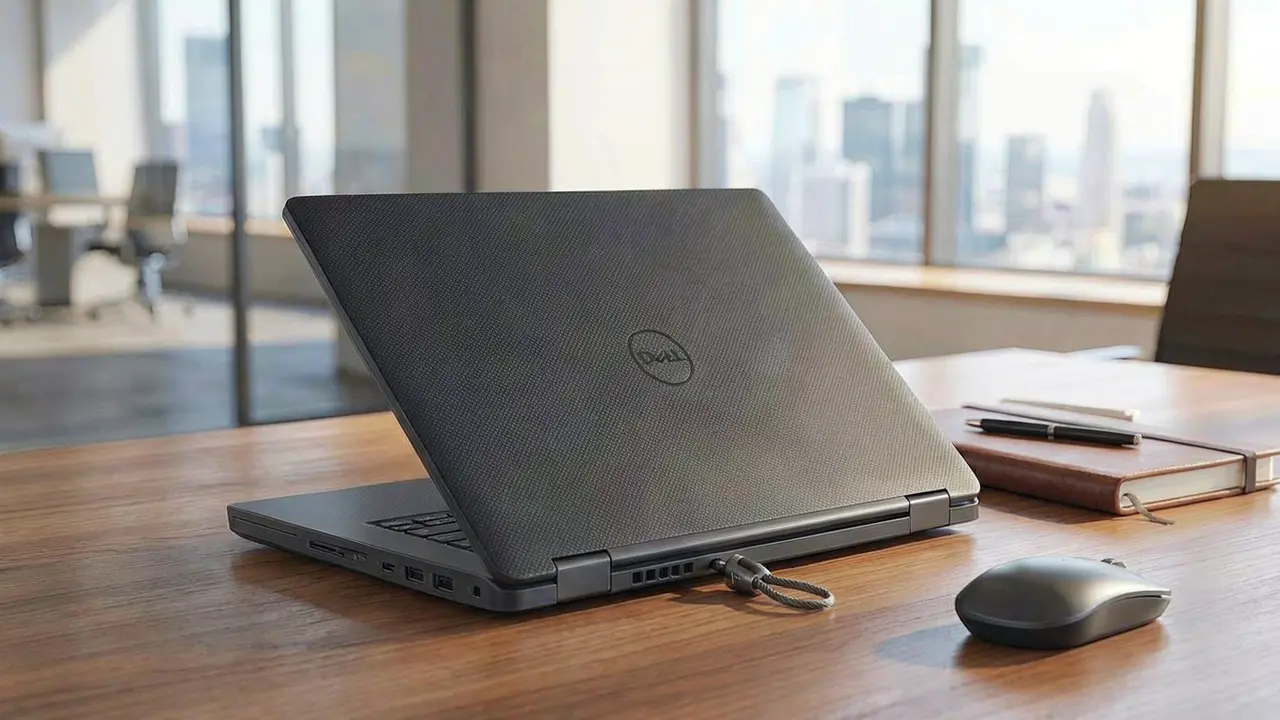
Business-focused devices prioritize durability, security features, and productivity-enhancing tools.
Workstations
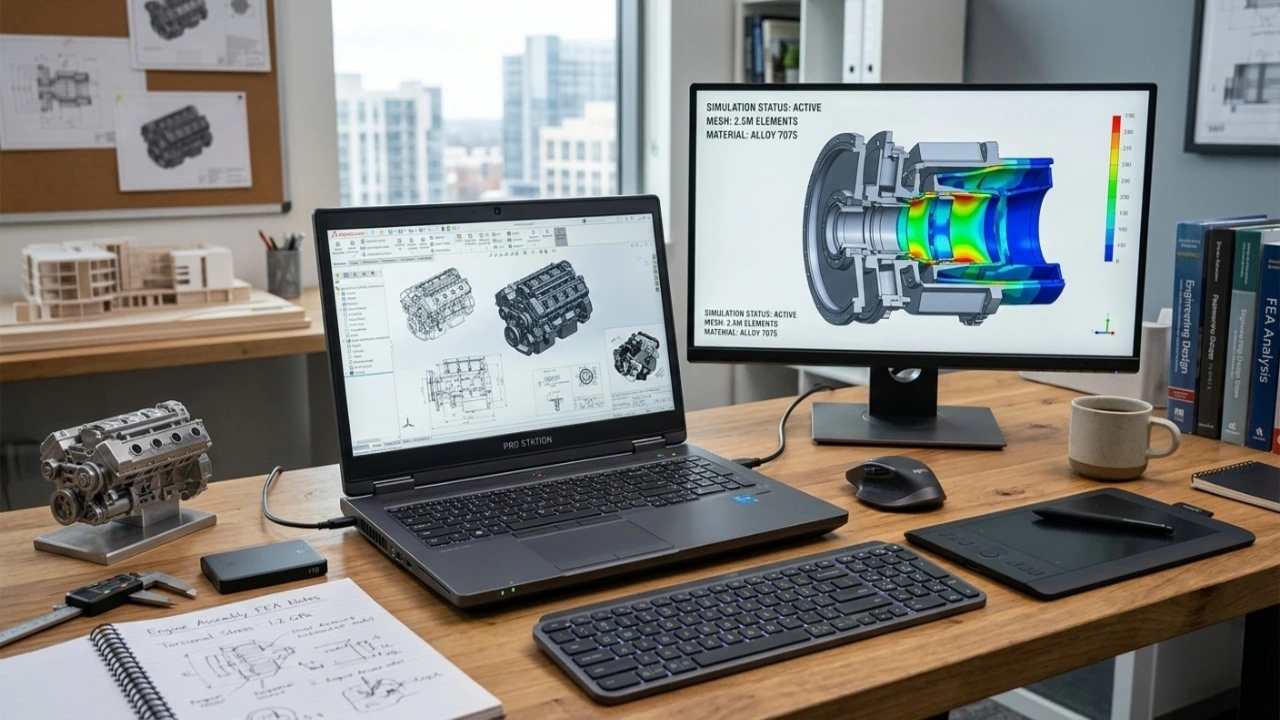
These machines are designed for engineers, architects, scientists, and creators working with resource-intensive applications.
Chromebooks
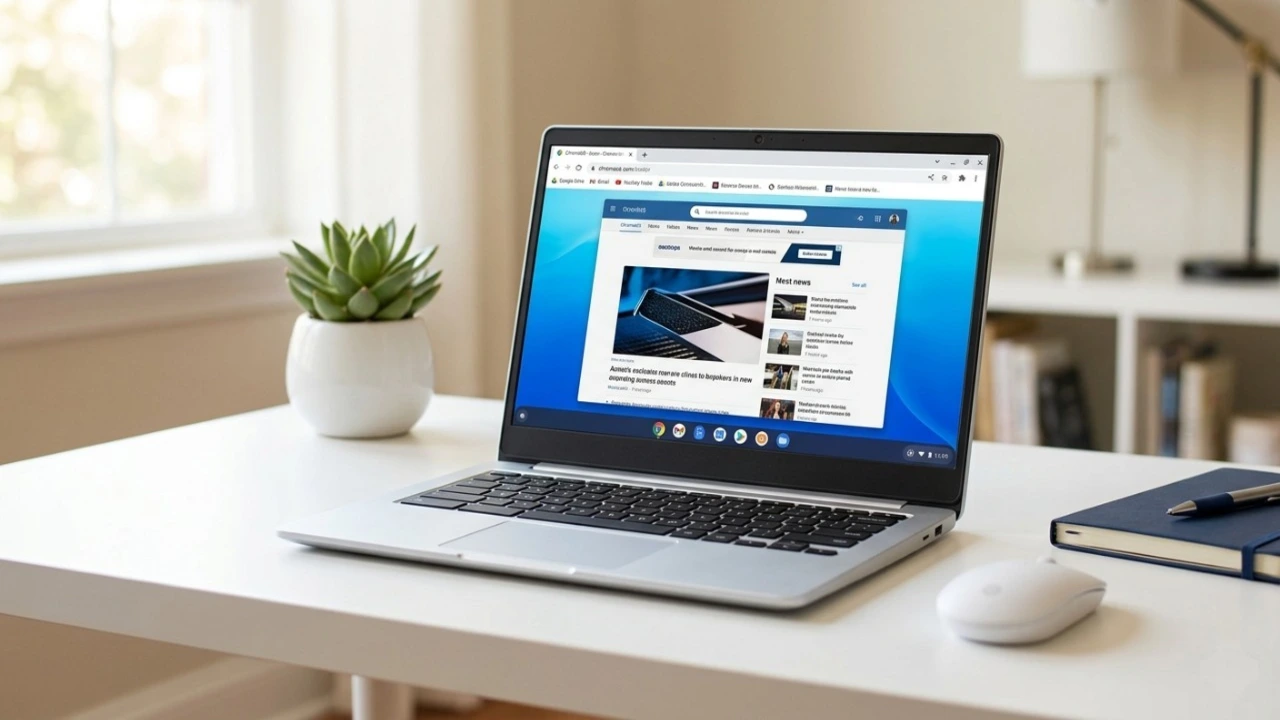
Chromebooks run ChromeOS and excel at web-based tasks. They are affordable, simple, and ideal for basic computing needs.
Choosing The Right Operating System
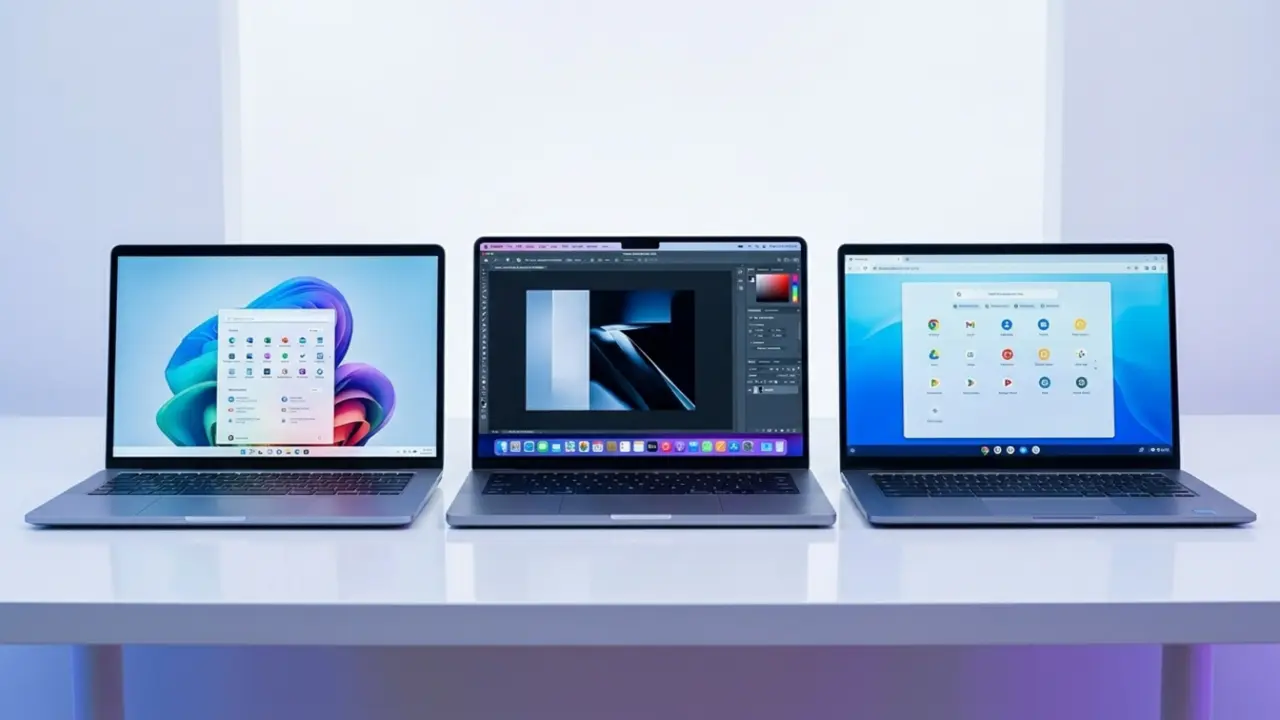
Navigating operating systems is a critical step in any laptop buying guide, as your choice dictates your daily user experience.
Windows
Windows remains the most versatile operating system available. It supports the widest range of software, hardware, and gaming applications.
macOS
Apple’s macOS offers a polished experience, excellent ecosystem integration, and exceptional optimization for creative professionals.
ChromeOS
ChromeOS is lightweight, secure, and beginner-friendly. It works best for users whose workflow primarily happens online.
Which One Fits Your Lifestyle?
Choose Windows for flexibility, macOS for seamless Apple integration, and ChromeOS for simplicity and affordability.
Understanding Laptop Specifications Without the Jargon
No comprehensive laptop buying guide is complete without demystifying the technical jargon that often confuses shoppers.
Processor (CPU)
As a core element of this laptop buying guide, understanding processing power ensures you do not overpay for performance you do not need.
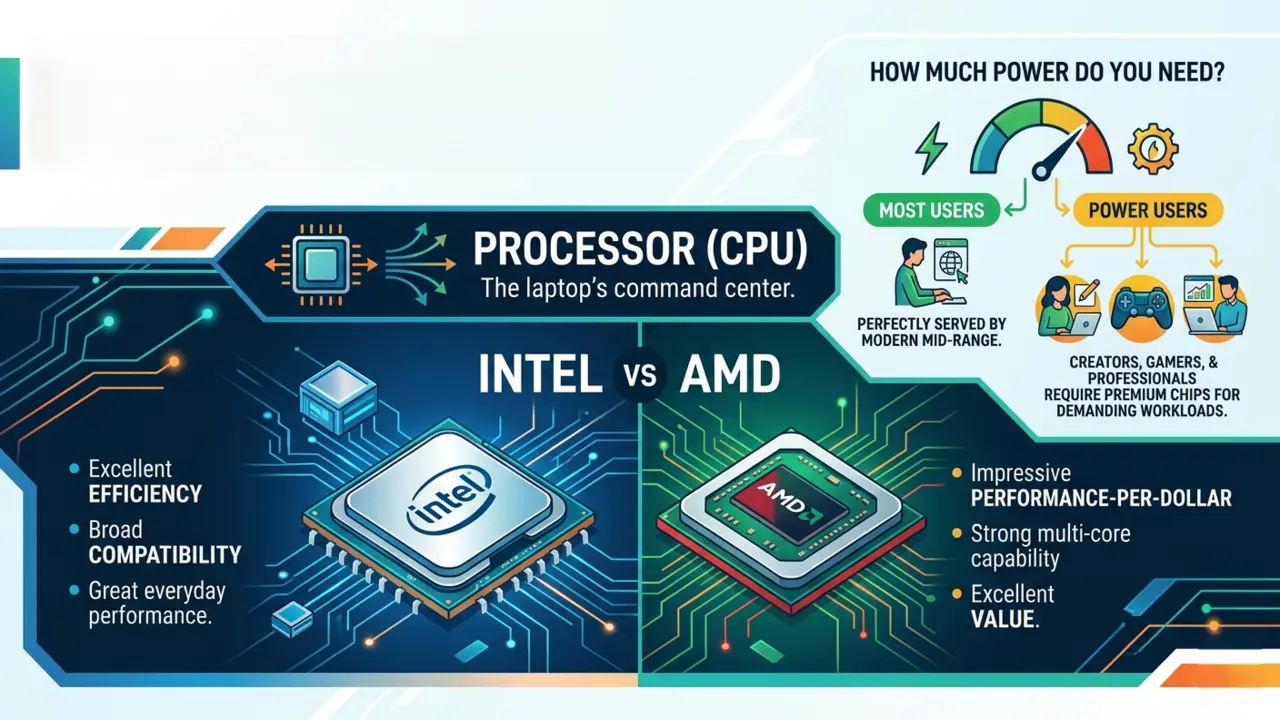
The processor acts as the laptop’s command center.
Intel vs AMD
Intel traditionally excels in efficiency and broad compatibility, while AMD often delivers impressive performance-per-dollar value. Both manufacturers produce excellent processors today.
How Much Power Do You Need?
Most users are perfectly served by modern mid-range processors. Only creators, gamers, and professionals handling demanding workloads require premium chips.
RAM
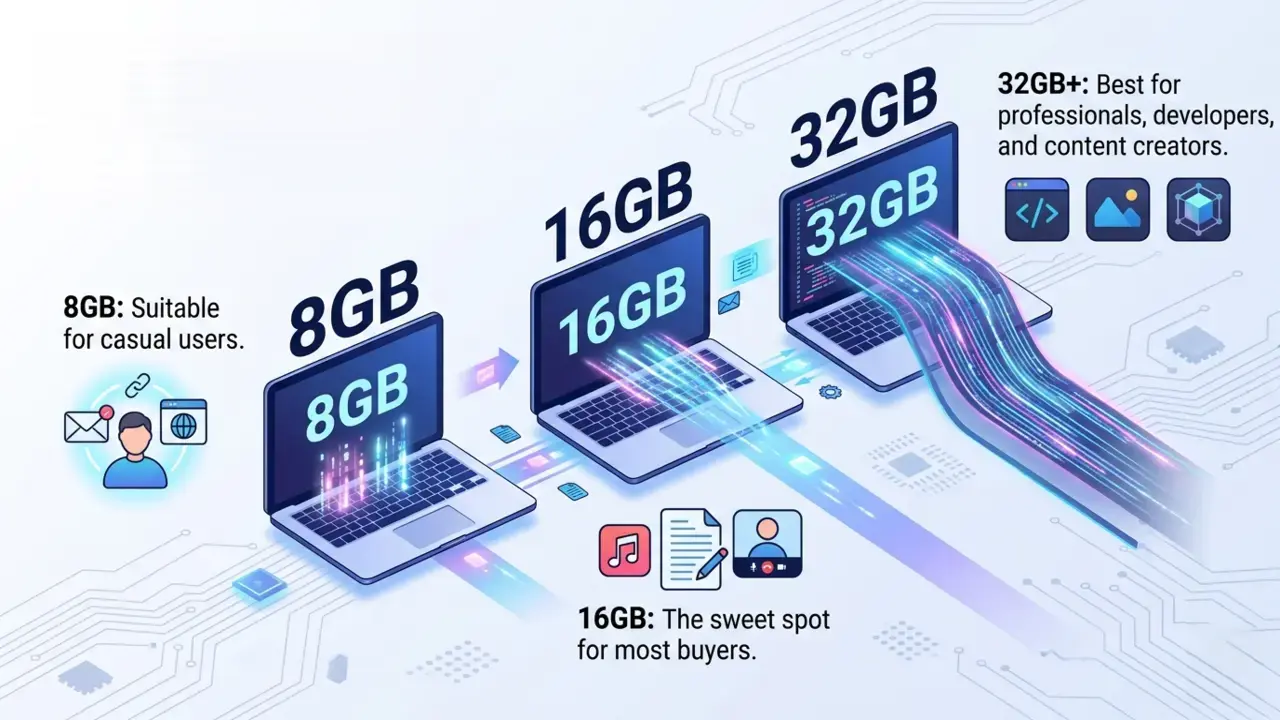
RAM determines how smoothly your laptop handles multitasking.
8GB vs 16GB vs 32GB
- 8GB: Suitable for casual users.
- 16GB: The sweet spot for most buyers.
- 32GB+: Best for professionals, developers, and content creators.
Storage
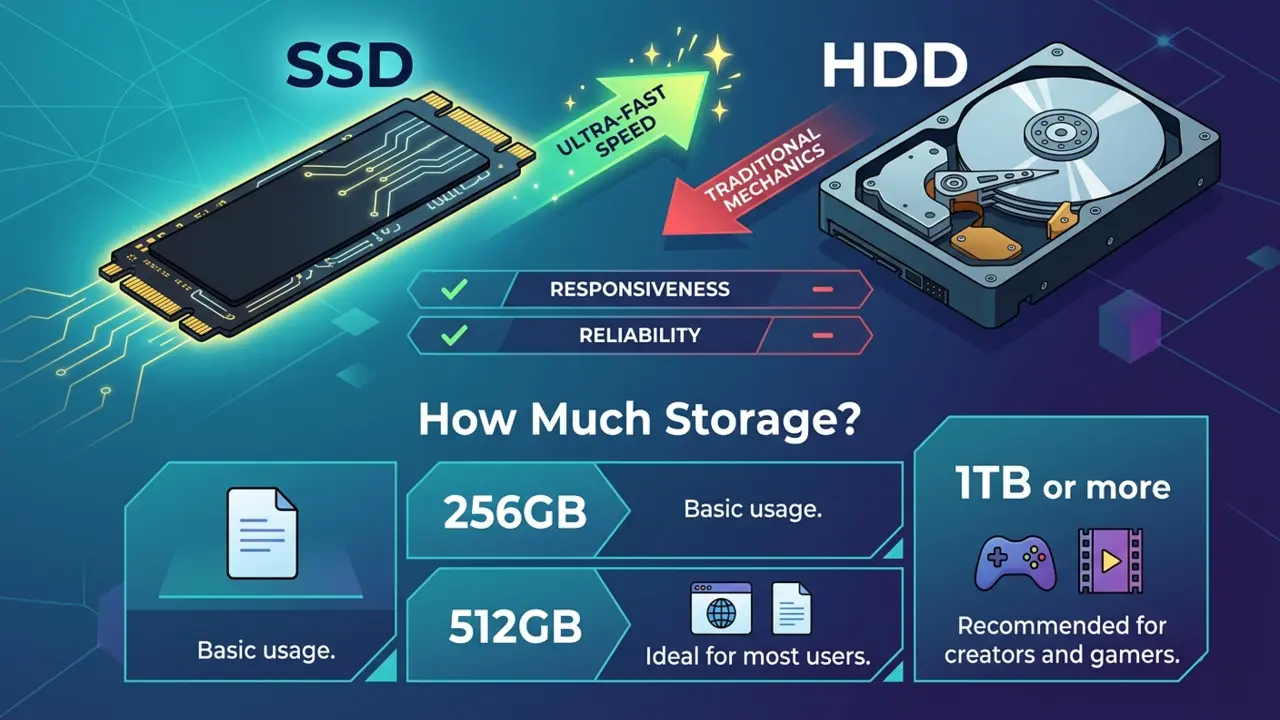
When consulting any modern laptop buying guide, prioritizing an SSD over a traditional hard drive is rule number one.
SSD vs HDD
SSDs dramatically outperform traditional hard drives in speed, responsiveness, and reliability. Today, an SSD should be considered essential.
How Much Storage?
- 256GB: Basic usage.
- 512GB: Ideal for most users.
- 1TB or more: Recommended for creators and gamers.
Graphics Card (GPU)
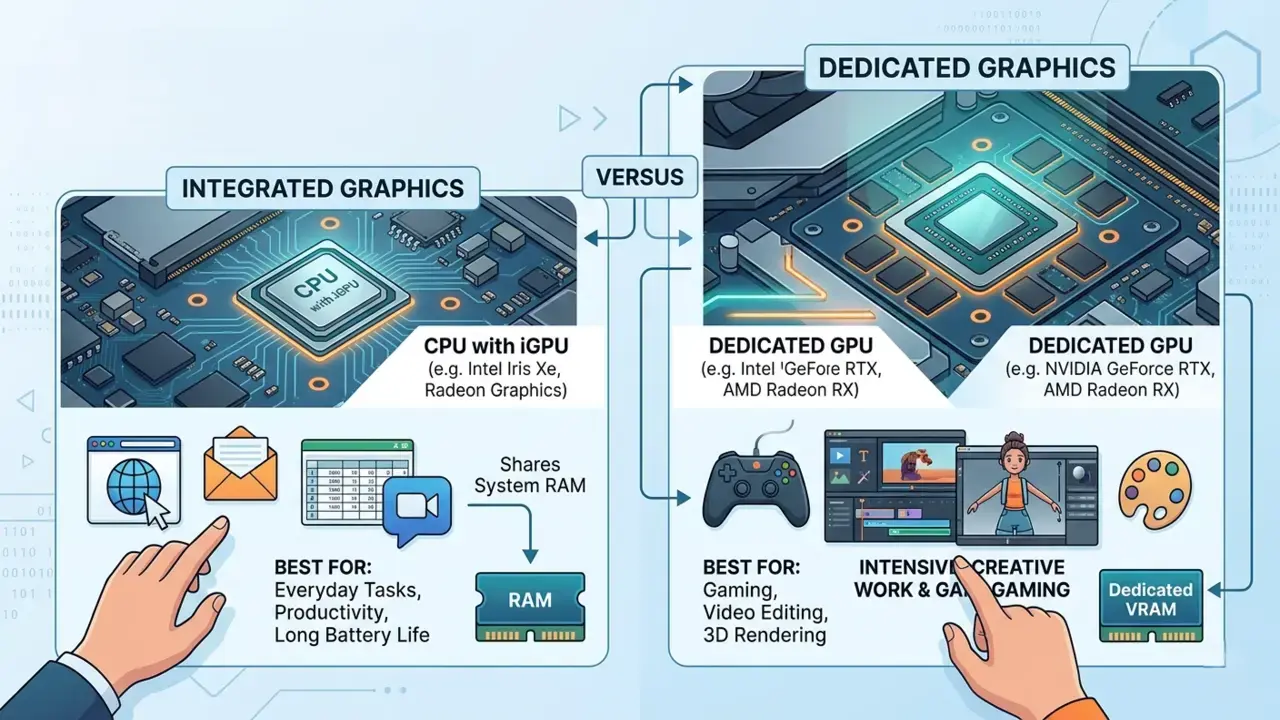
Integrated vs Dedicated Graphics
Integrated graphics handle everyday tasks well. Dedicated graphics are necessary for gaming, video editing, 3D rendering, and advanced creative work.
Display Features That Make A Difference
Choosing The Right Screen Size
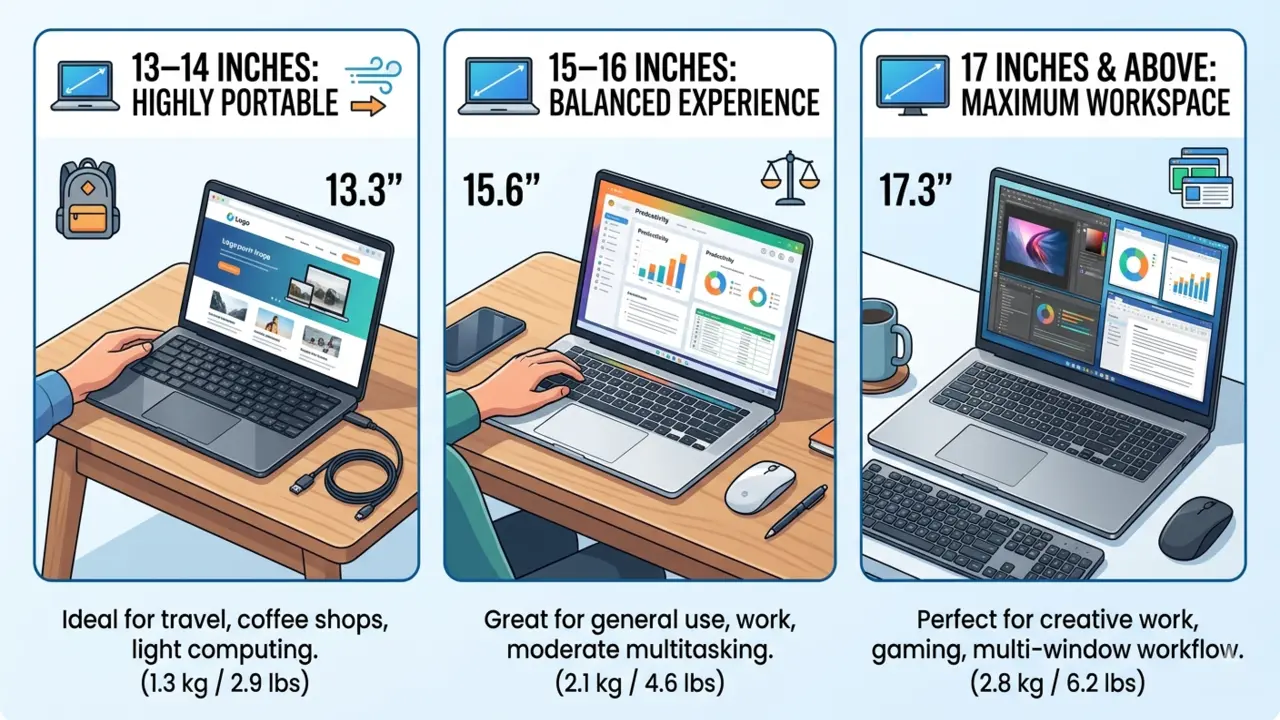
- 13–14 inches: Highly portable.
- 15–16 inches: Balanced experience.
- 17 inches and above: Maximum workspace.
Full HD, QHD Or 4K?
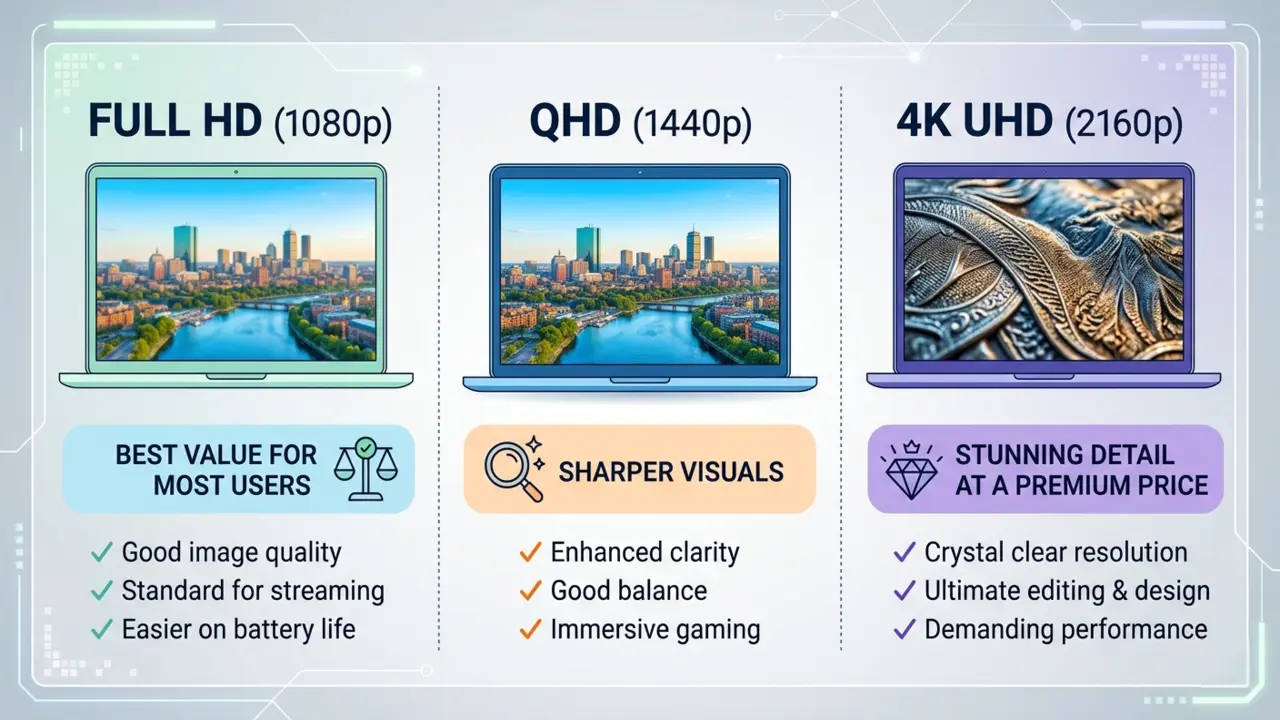
Full HD remains the best value for most users. QHD offers sharper visuals, while 4K provides stunning detail at a premium price.
Refresh Rate Explained
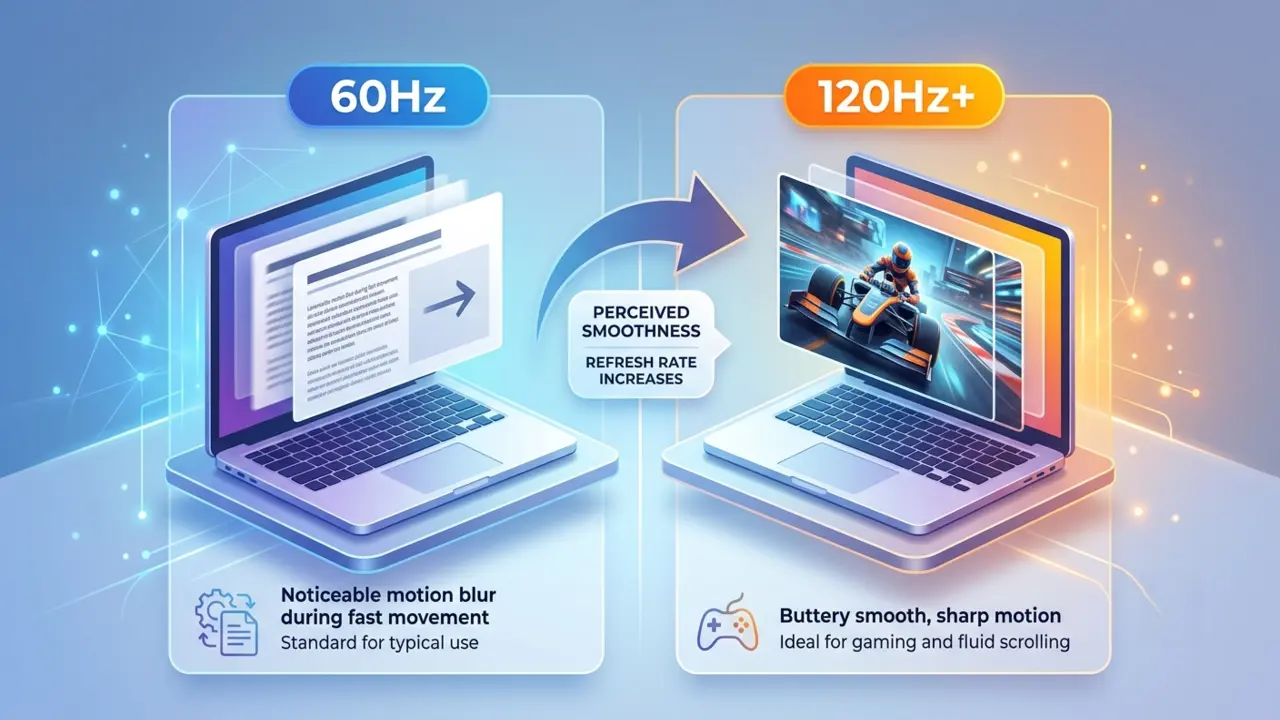
A refresh rate determines how smoothly motion appears.
- 60Hz: Standard use.
- 120Hz+: Better for gaming and fluid scrolling.
IPS, OLED And Other Technologies
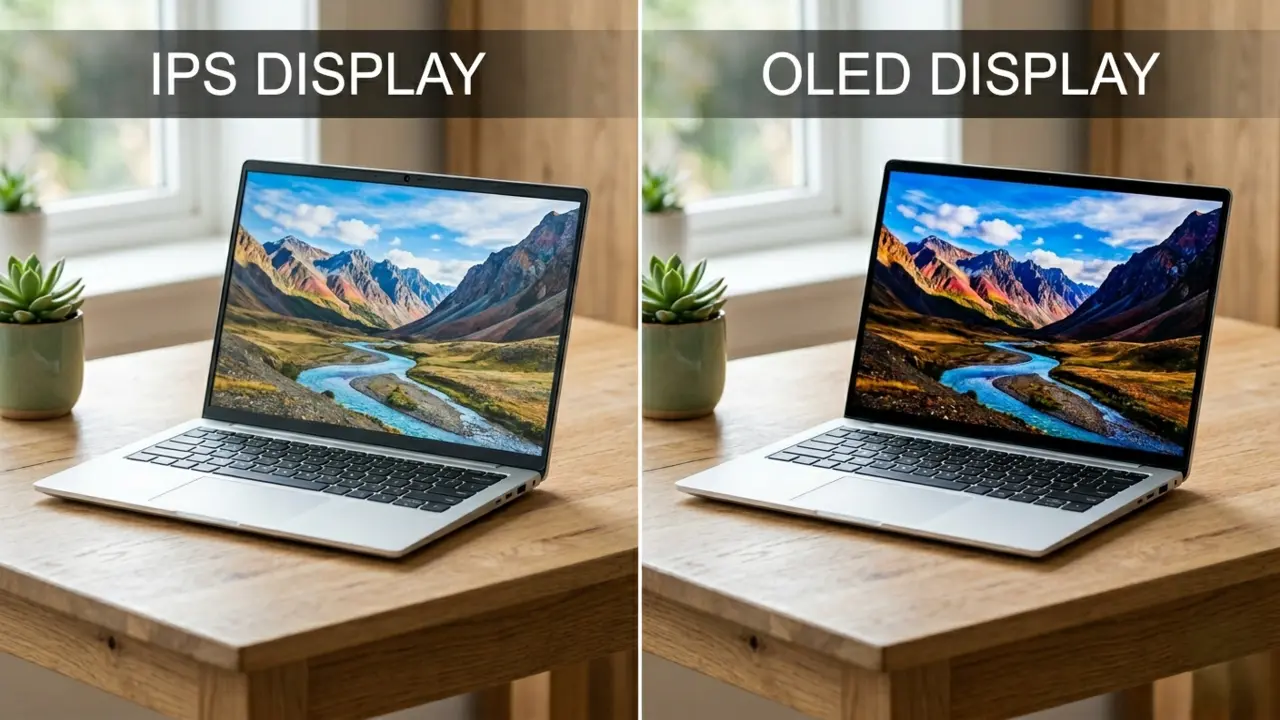
IPS displays offer excellent viewing angles and color accuracy. OLED displays provide deeper blacks, richer contrast, and breathtaking visuals.
Touchscreen Vs Non-Touchscreen
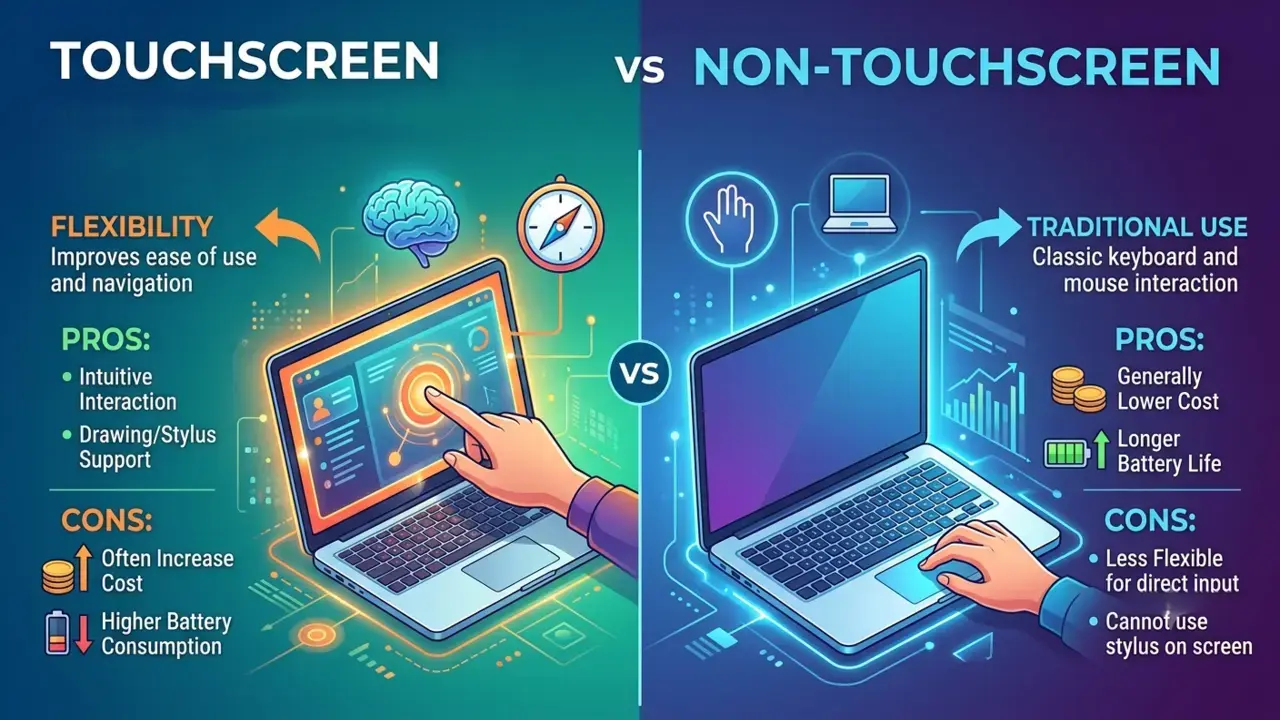
Touchscreens improve flexibility but often increase cost and battery consumption.
Battery Life: Avoid Constant Charging
Battery performance is one of the most heavily scrutinized metrics in every laptop buying guide.
What Manufacturers Don’t Tell You
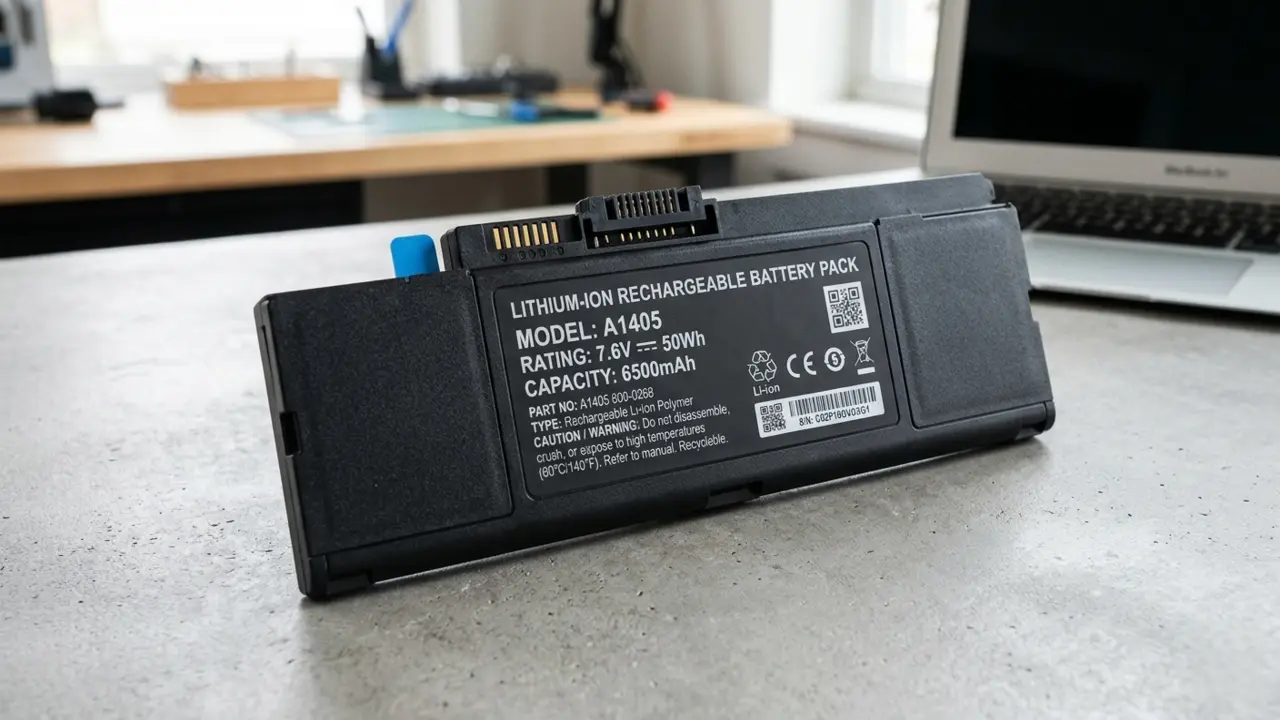
Battery claims are usually measured under ideal conditions. Real-world usage often produces lower results.
Estimating Real Performance
Check independent reviews and user feedback rather than relying solely on marketing figures.
Features That Improve Efficiency
Modern processors, optimized software, adaptive brightness, and efficient displays contribute significantly to longer battery life.
Build Quality And Portability
A good laptop buying guide must always weigh physical durability against how often you plan to travel.
Lightweight vs Performance-Focused Designs
Lighter laptops improve mobility. Performance-oriented machines often sacrifice portability for power.
Why Materials Matter
Aluminum and magnesium alloy chassis typically provide superior durability compared to plastic alternatives.
Finding the Right Balance
Frequent travelers should prioritize portability. Stationary users can afford larger, heavier systems.
Keyboard And Trackpad Comfort
Why Typing Experience Matters
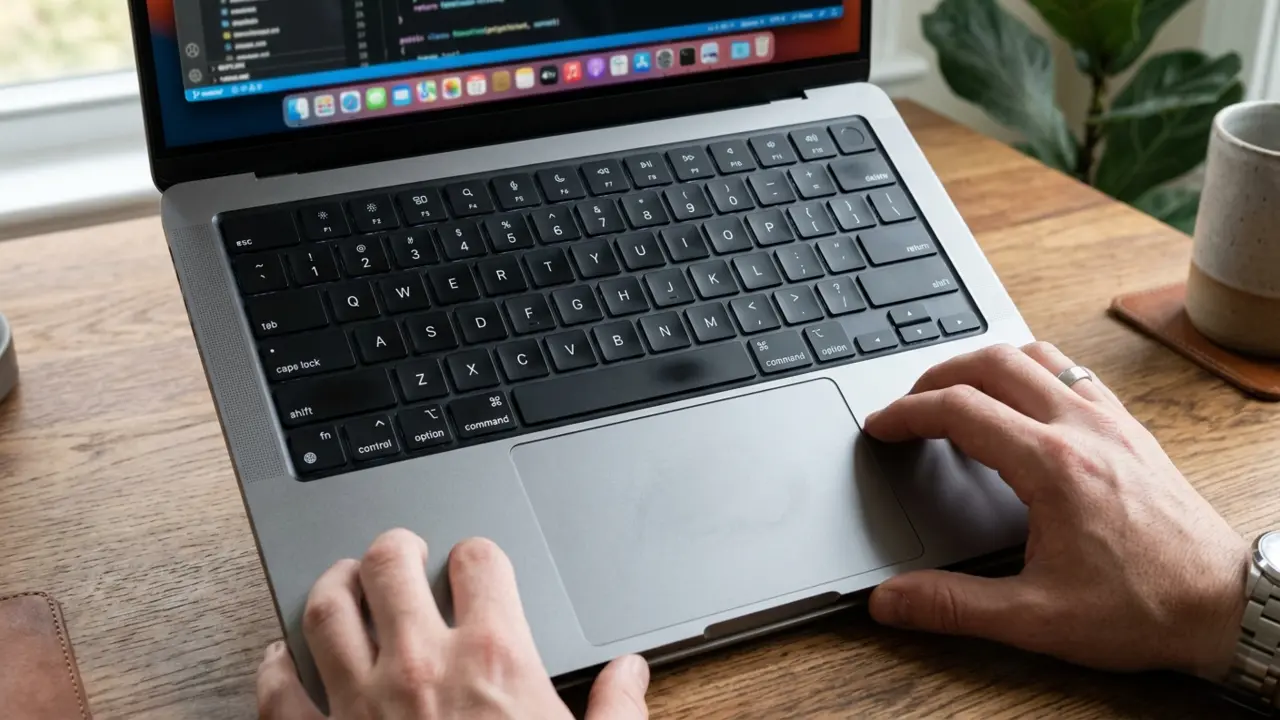
A laptop may have incredible specifications, but an uncomfortable keyboard can diminish the overall experience.
Useful Features
Look for responsive keys, precision trackpads, palm rejection technology, and customizable gestures.
Are Backlit Keyboards Worth It?
Absolutely. They improve usability in low-light environments and enhance overall convenience.
Connectivity And Ports
Port selection is easily overlooked, making it a crucial addition to this laptop buying guide for long-term usability.
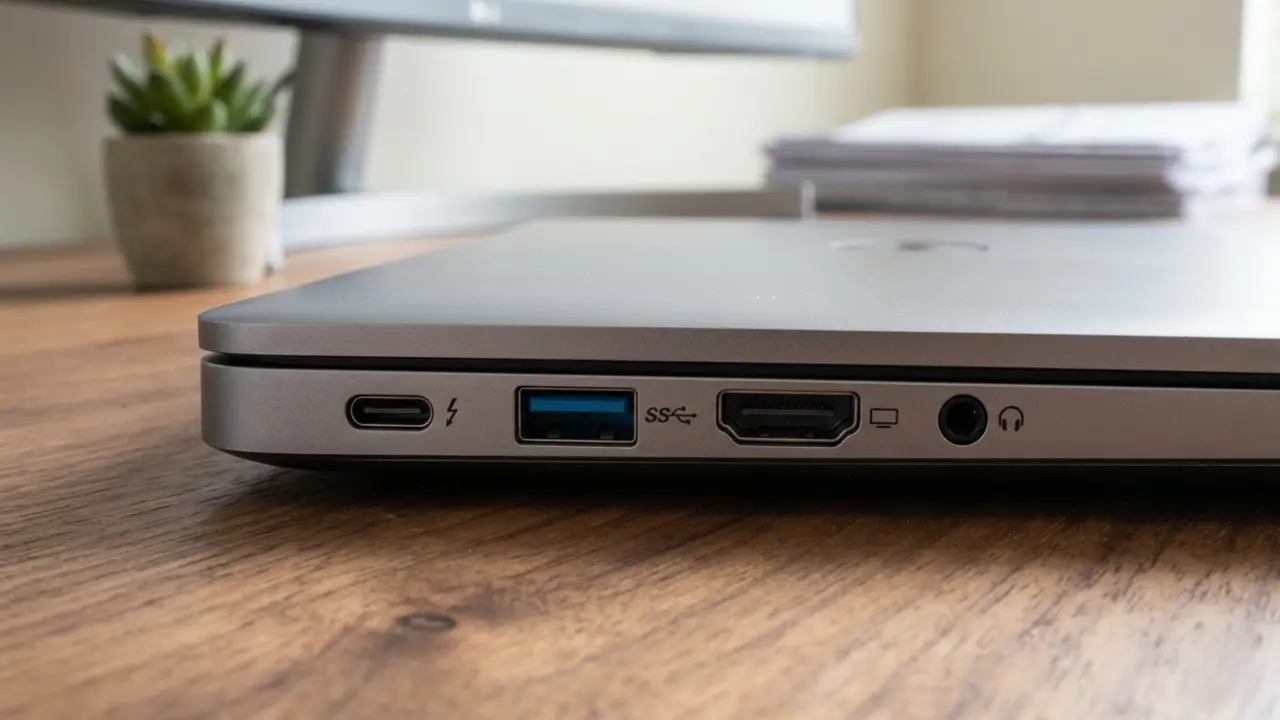
Essential Ports
A well-equipped laptop should include:
- USB-C
- USB-A
- HDMI
- Audio jack
Understanding Modern Connections
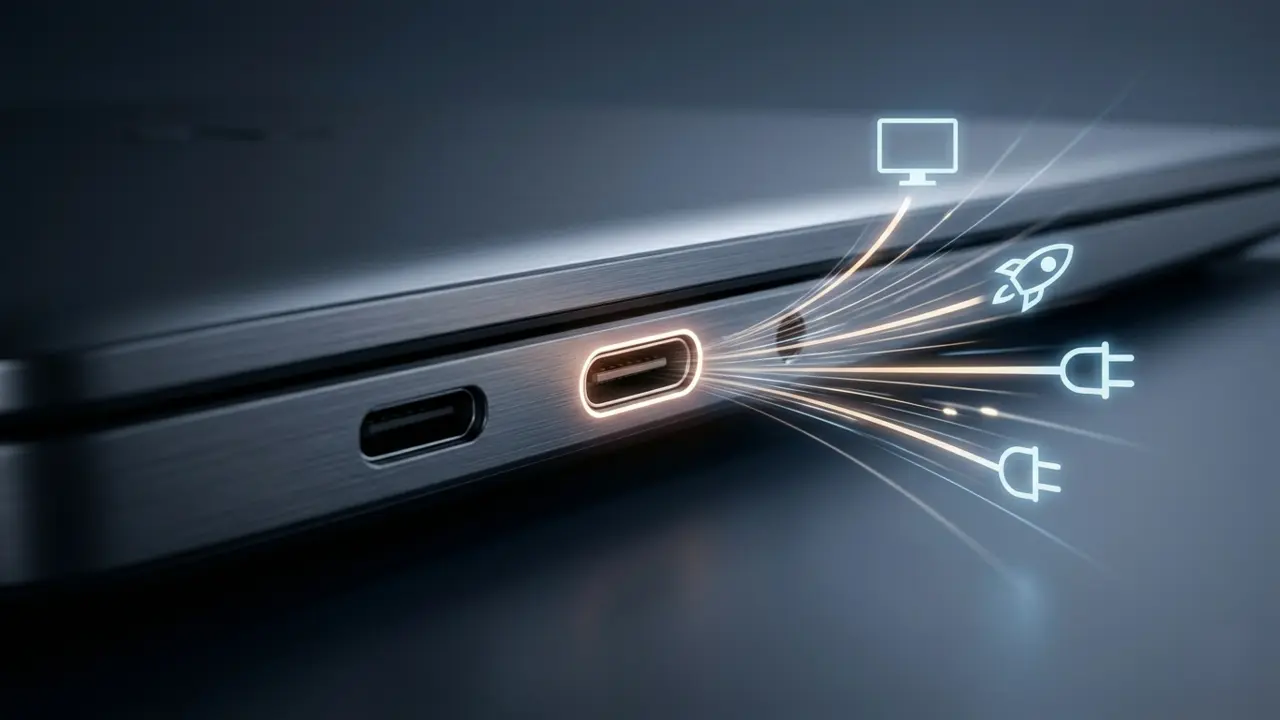
Thunderbolt ports offer exceptional versatility, supporting charging, displays, and high-speed data transfer through a single connection.
Future-Proofing Connectivity
Choose laptops with modern ports to avoid reliance on multiple adapters in the future.
Webcam, Microphone And Speakers

Video Call Essentials
Remote work has made webcam quality more important than ever. A sharp camera and clear microphone create a more professional presence.
Audio Considerations
Quality speakers improve entertainment experiences and reduce dependence on headphones.
Choosing The Right Laptop For Specific Users
Every detailed laptop buying guide emphasizes that students, professionals and gamers have entirely different hardware demands.
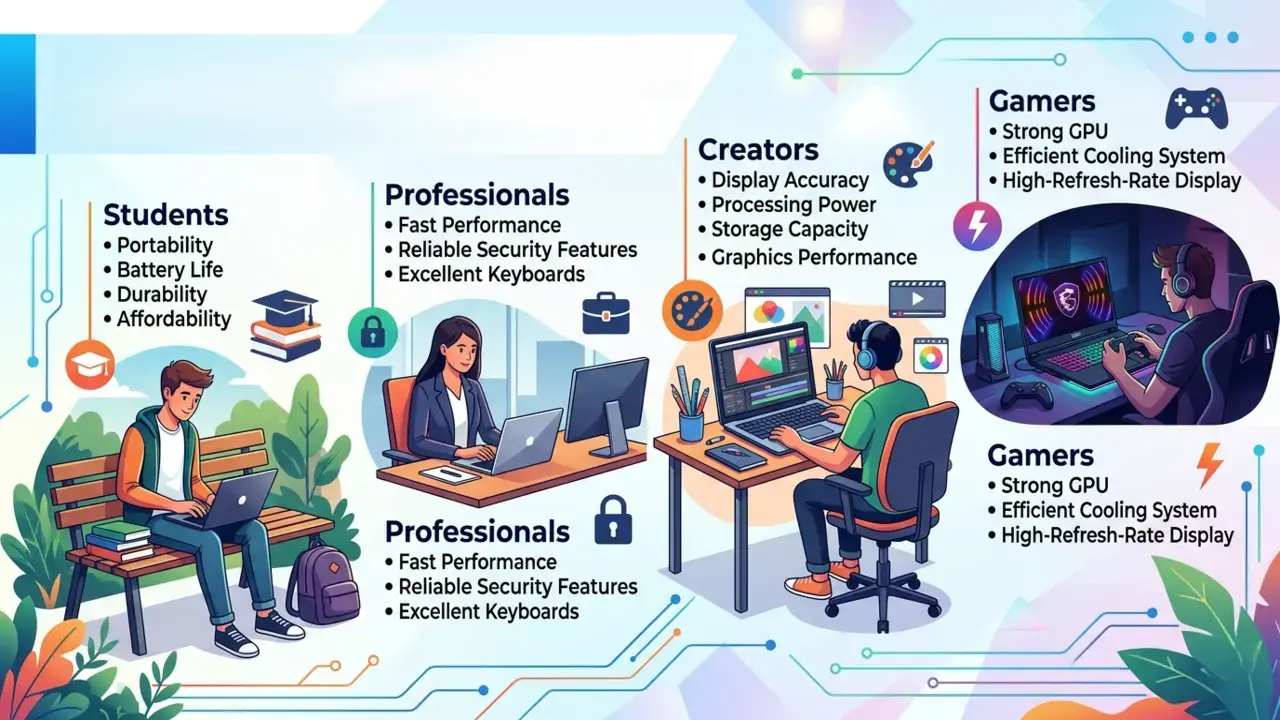
Students
Prioritize portability, battery life, durability and affordability.
Professionals
Look for fast performance, reliable security features, and excellent keyboards.
Creators
Focus on display accuracy, processing power, storage capacity, and graphics performance.
Gamers
Invest in a strong GPU, efficient cooling system, and high-refresh-rate display.
Budget Planning Before You Buy
Smart financial planning is a core pillar of this laptop buying guide, helping you avoid overspending on unused features.
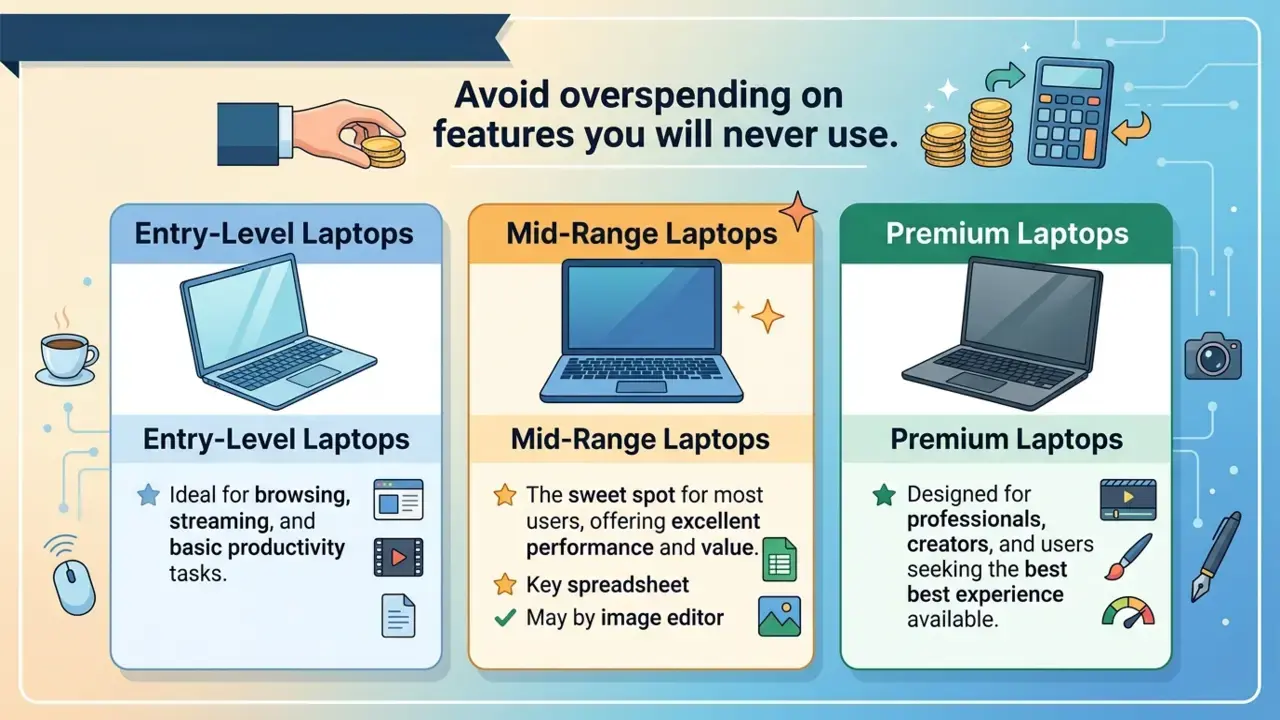
Avoid overspending on features you will never use.
Entry-Level Laptops
Ideal for browsing, streaming and basic productivity tasks.
Mid-Range Laptops
The sweet spot for most users, offering excellent performance and value.
Premium Laptops
Designed for professionals, creators, and users seeking the best experience available.
New vs Refurbished Laptops
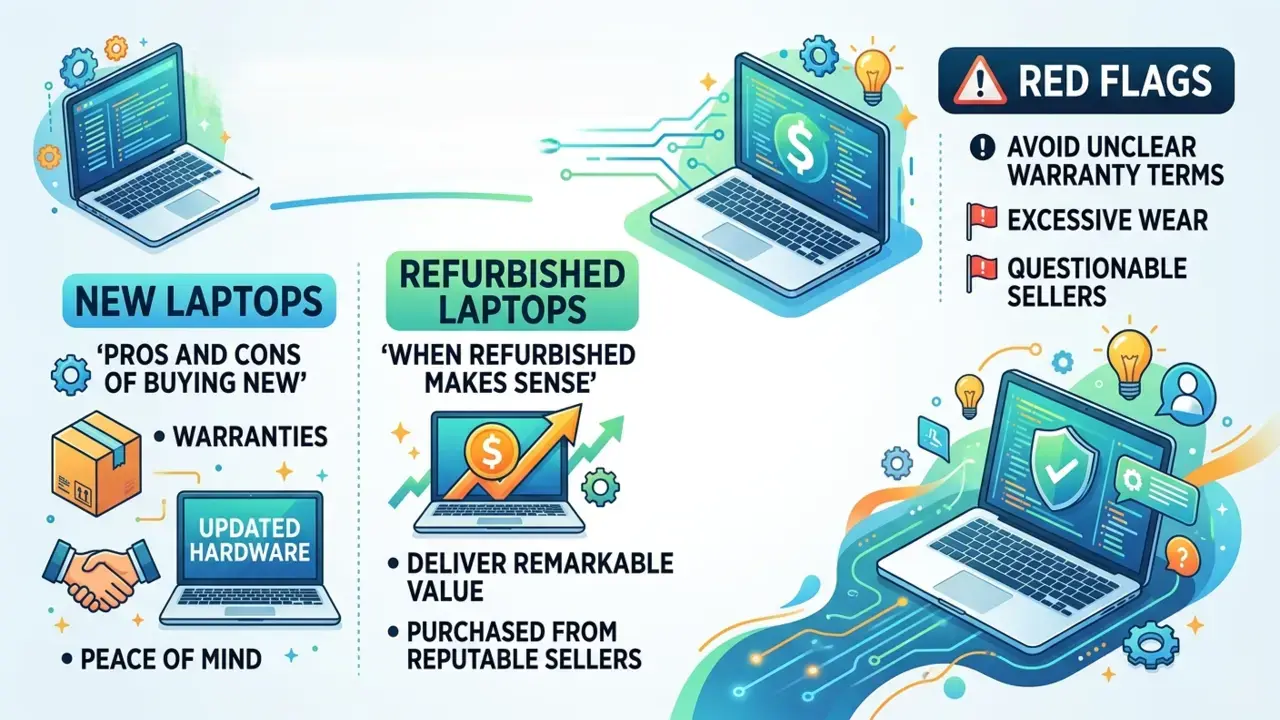
Pros and Cons Of Buying New
New laptops provide warranties, updated hardware, and peace of mind.
When Refurbished Makes Sense
Refurbished models can deliver remarkable value if purchased from reputable sellers.
Red Flags
Avoid devices with unclear warranty terms, excessive wear, or questionable sellers.
Brand Comparison Guide
Manufacturer reputation plays a massive role, which is why a well-rounded laptop buying guide evaluates ecosystem support and warranty quality.
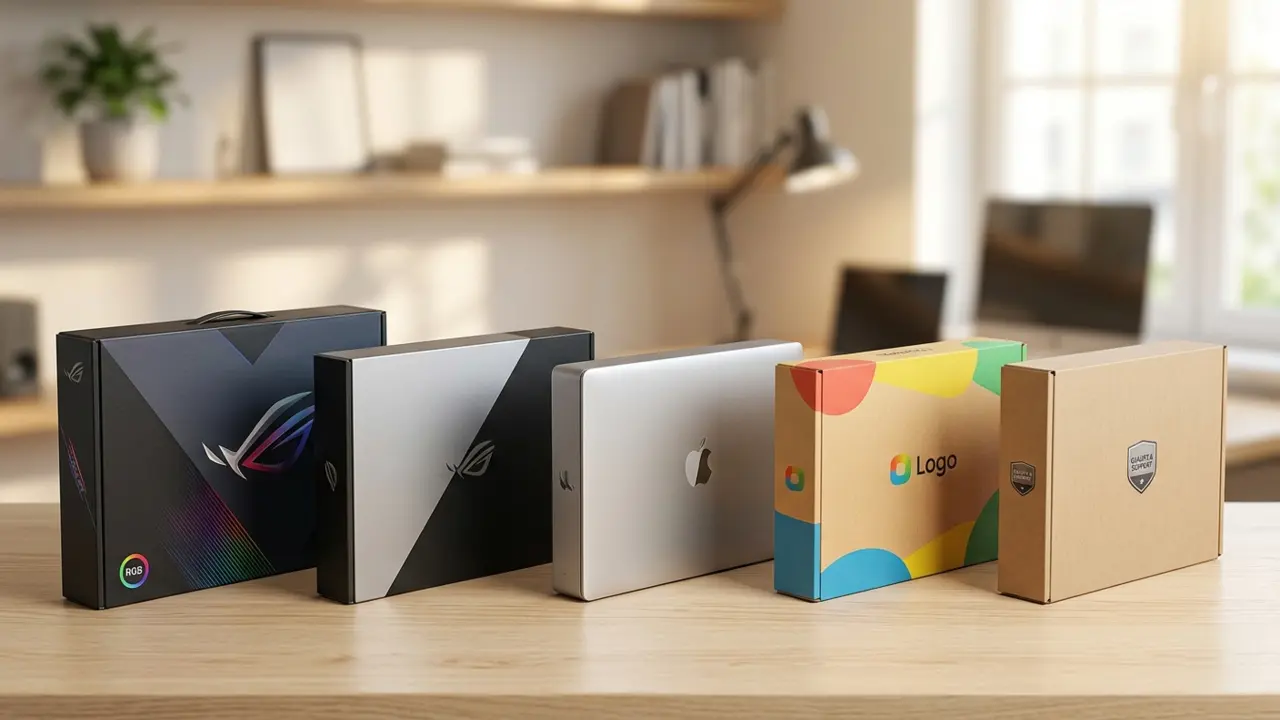
Different manufacturers have distinct strengths.
Some excel in gaming. Others focus on business reliability, premium design, or affordability. Research support quality, warranty coverage and long-term reputation before making a decision.
Common Laptop Buying Mistakes
By keeping the tips outlined in this laptop buying guide in mind, you can actively avoid the most common laptop buying mistakes, such as prioritizing raw specs over actual needs or ignoring upgrade potential.
Prioritizing Specs Over Needs
A powerful laptop is unnecessary if your tasks are basic.
Ignoring Upgrade Potential
Upgradeable RAM and storage can extend a laptop’s lifespan significantly.
Falling For Marketing Buzzwords
Not every flashy feature delivers practical value.
Choosing Based Solely On Price
The cheapest option often becomes the most expensive in the long run.
Future-Proofing Your Purchase
To wrap up this laptop buying guide, focusing on components that age well will protect your investment for years to come.
Features That Age Well
- 16GB RAM
- SSD storage
- USB-C ports
- Wi-Fi 6 or newer
- Quality displays
How Long Should A Good Laptop Last?
A well-chosen laptop can remain productive for five to seven years or more.
When Spending More Saves Money
Paying slightly more upfront often reduces the need for early replacements.
Laptop Buying Checklist
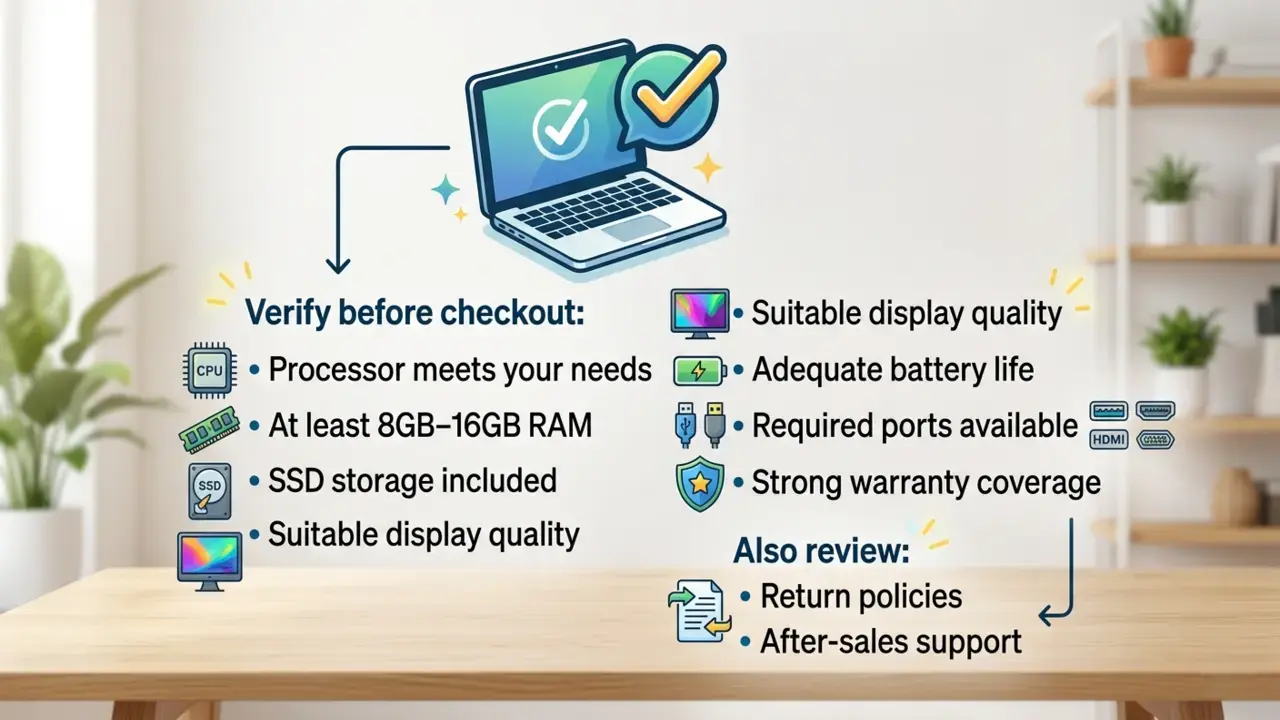
Before checkout, verify:
- Processor meets your needs
- At least 8GB–16GB RAM
- SSD storage included
- Suitable display quality
- Adequate battery life
- Required ports available
- Strong warranty coverage
Also review return policies and after-sales support.
Conclusion
Ultimately, as highlighted throughout this laptop buying guide, the perfect laptop isn’t necessarily the most powerful or the most expensive. It’s the one that aligns seamlessly with your lifestyle, workload, and budget.
Start by identifying your needs. Understand the key specifications. Evaluate portability, battery life, display quality, and long-term value. Most importantly, avoid being swayed by flashy marketing or unnecessary features.
A thoughtful purchase today can deliver years of dependable performance, helping you work smarter, learn faster, create better, and enjoy a smoother digital experience every day.