

Introduction: Why Understanding SaaS For Beginners Matters Today
If you’ve ever used Google Workspace to collaborate on documents, streamed meetings through Zoom, or managed tasks with Trello, you’ve already experienced the power of Software as a Service (SaaS). Unlike traditional software that requires installation on your computer, SaaS applications run in the cloud and are accessible through a web browser or mobile app.
For beginners, the world of SaaS can seem overwhelming. Terms like cloud computing, subscriptions, multi-tenant architecture and software licensing are often mentioned alongside SaaS, making it feel more technical than it really is. Fortunately, the concept is surprisingly simple.
At its core, SaaS is a way of delivering software over the internet. Instead of buying a program once and installing it on every device you own, you simply sign up for an account and access the software online. The provider takes care of the servers, security, updates and maintenance, allowing you to focus on using the application rather than managing it.
This ultimate guide to SaaS for beginners breaks down everything you need to know about cloud-based applications.
In this SaaS for beginners guide, you’ll learn:
- What SaaS is and why it matters
- How SaaS works behind the scenes
- The benefits and limitations of SaaS
- Real-world examples of popular SaaS applications
- How to choose the right SaaS solution for your needs
By the end of this guide, you’ll have a solid understanding of the SaaS model and feel confident evaluating software for personal or business use.
What Is SaaS? A Clear Overview For SaaS for Beginners
Software as a Service (SaaS) is a software delivery model where applications are hosted by a provider and delivered to users over the internet. Instead of installing software directly on your computer, you access it through a web browser or dedicated mobile application.
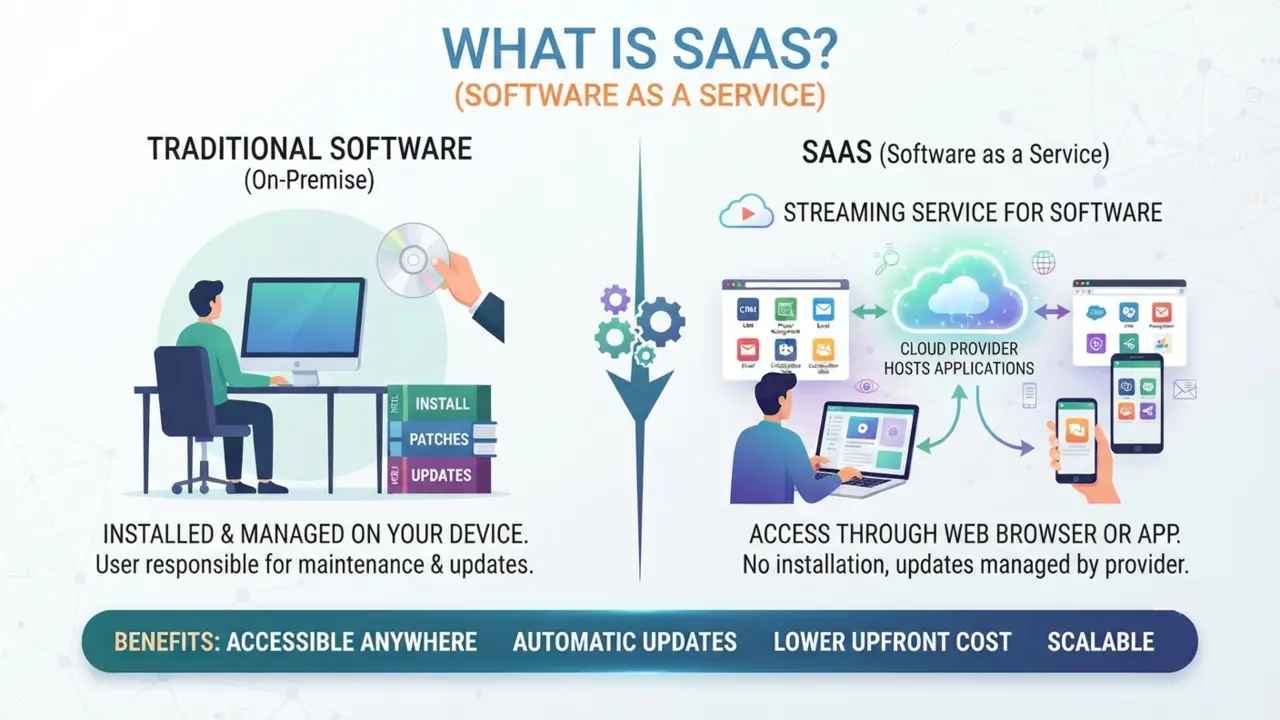
When exploring SaaS for beginners, the most important concept to grasp is that you are renting software access rather than purchasing a product. Think of SaaS like a streaming service for software. Just as you stream movies instead of buying DVDs, you use software online instead of installing and maintaining it yourself.
What Does SaaS Stand For?
SaaS stands for Software as a Service. The name reflects exactly how it works: software is offered as an ongoing service rather than as a one-time product purchase. Most SaaS platforms use a subscription model, where users pay monthly or annually to access the latest version of the software.
Grasping these fundamentals early on makes exploring SaaS for beginners a much smoother and less intimidating experience.
A Simple Definition Of SaaS
A simple way to define SaaS is: Software that you use online instead of installing on your own computer.
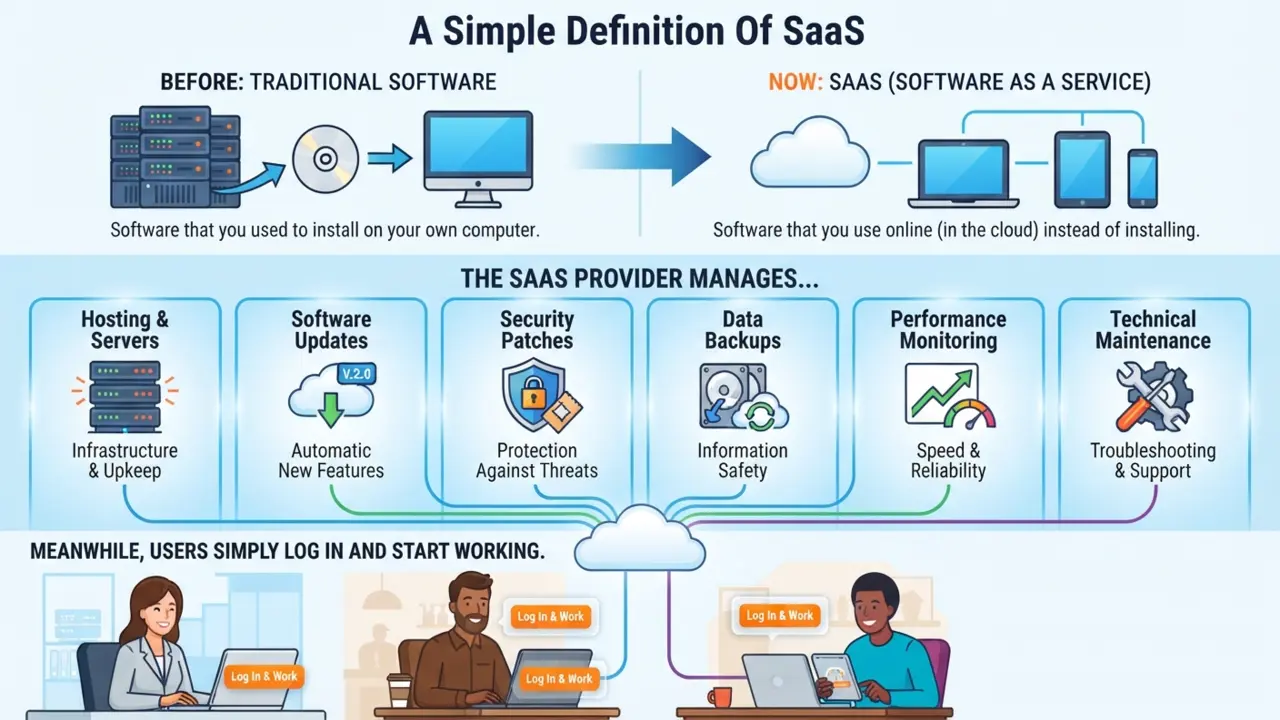
The SaaS provider manages:
- Hosting and servers
- Software updates
- Security patches
- Data backups
- Performance monitoring
- Technical maintenance
Meanwhile, users simply log in and start working.
A Brief History Of SaaS
Although cloud-based software feels modern, the idea has been around for decades. In the early days of computing, organizations relied on centralized systems where users accessed shared resources from remote terminals. As personal computers became widespread, software shifted to locally installed applications purchased through one-time licenses.
With faster internet connections and advances in cloud infrastructure, software delivery evolved once again. Companies realized they could host applications on remote servers and make them available through the web. This approach reduced installation hassles, simplified updates and made software accessible from virtually anywhere.
Today, SaaS powers everything from email and file storage to customer relationship management, design tools and business analytics.
You may already use SaaS applications every day without thinking about it. Some common categories include:
- Email and productivity suites
- Video conferencing platforms
- Team collaboration tools
- Cloud storage services
- Customer relationship management (CRM) software
- Accounting software
- Project management applications
- Graphic design platforms
- Website builders
- Marketing automation tools
The defining characteristic isn’t what the software does—it’s how it’s delivered. If you access it over the internet without managing the underlying infrastructure, it’s most likely a SaaS application.
How Does SaaS Work?
One of the biggest reasons SaaS has become so popular is its simplicity. From a user’s perspective, all you need is an account, an internet connection and a compatible device. Behind the scenes, however, several technologies work together to deliver a fast, secure and reliable experience.
Cloud Hosting: Navigating Cloud Hosting In SaaS For Beginners
Understanding the underlying mechanics of cloud hosting is a crucial step in any SaaS for beginners learning path.
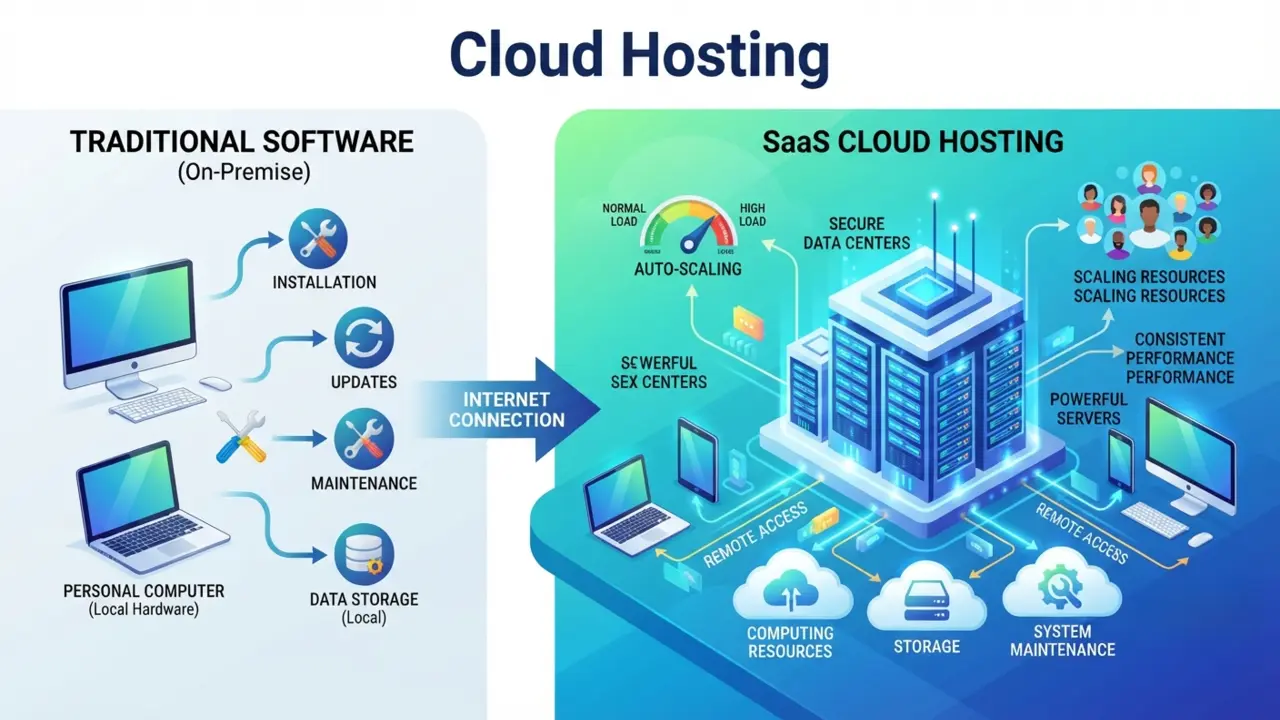
Unlike traditional software that runs on your personal computer, SaaS applications run on powerful servers hosted in secure data centers.
When you log in to a SaaS platform, you’re connecting to these remote servers through the internet. The provider handles computing resources, storage and system maintenance, so you don’t have to worry about installing updates or replacing hardware.
This cloud-based approach also allows providers to scale resources as demand grows, ensuring consistent performance even when thousands—or millions—of users are online simultaneously.
Subscription-Based Access
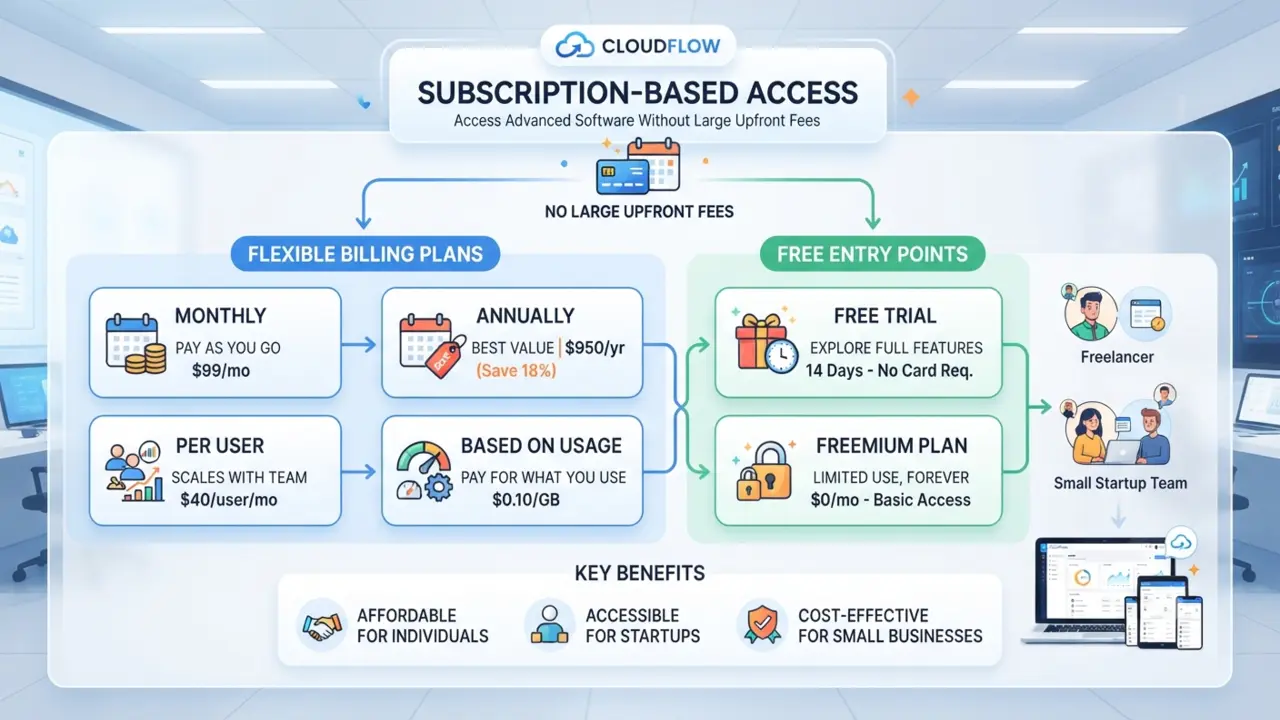
Most SaaS products operate on a subscription model. Instead of paying a large upfront fee, users typically choose a plan that fits their needs and pay:
- Monthly
- Annually
- Per user
- Based on usage
Many providers also offer free trials or freemium plans, allowing beginners to explore the software before committing to a paid subscription.
This flexible pricing model makes advanced software accessible to individuals, startups and small businesses that might not have the budget for expensive one-time licenses.
Access Through A Web Browser Or Mobile App
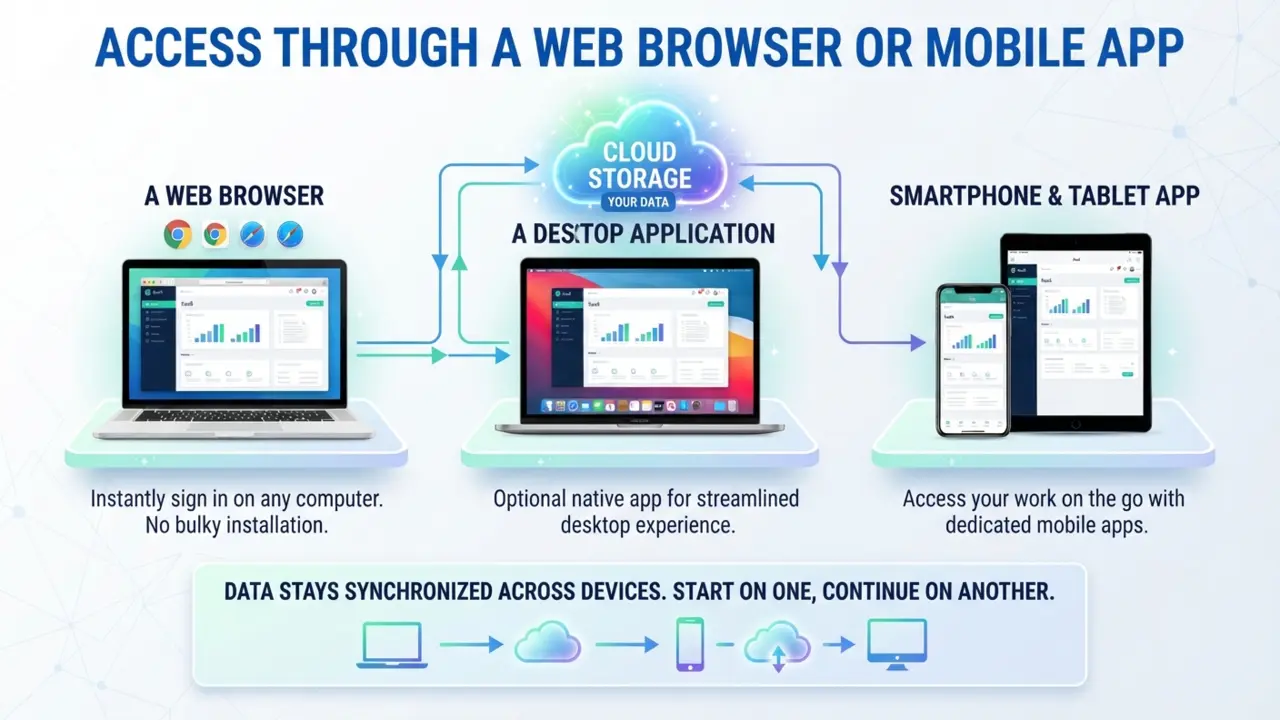
One of SaaS’s greatest advantages is convenience. You don’t need to install bulky software on every device you own. Instead, you simply sign in through:
- A web browser
- A desktop application (when available)
- A smartphone or tablet app
Because your data is stored in the cloud, your work stays synchronized across devices. You can start editing a document on your laptop, review it on your phone and present it from another computer without manually transferring files.
Automatic Updates And Maintenance
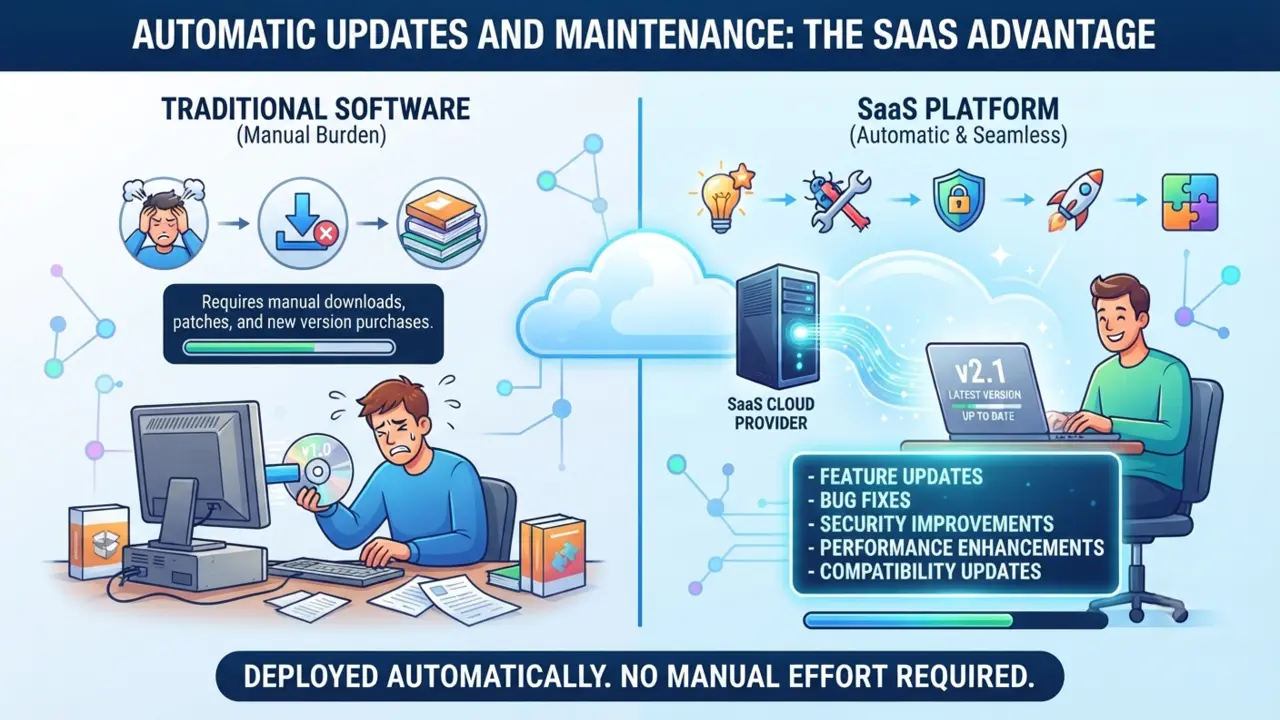
With traditional software, users often need to download patches, install updates, or purchase new versions to access the latest features. SaaS eliminates this burden. The provider manages:
- Feature updates
- Bug fixes
- Security improvements
- Performance enhancements
- Compatibility updates
These updates are typically deployed automatically, ensuring all users have access to the latest version without any manual effort.
Secure Data Storage And Collaboration
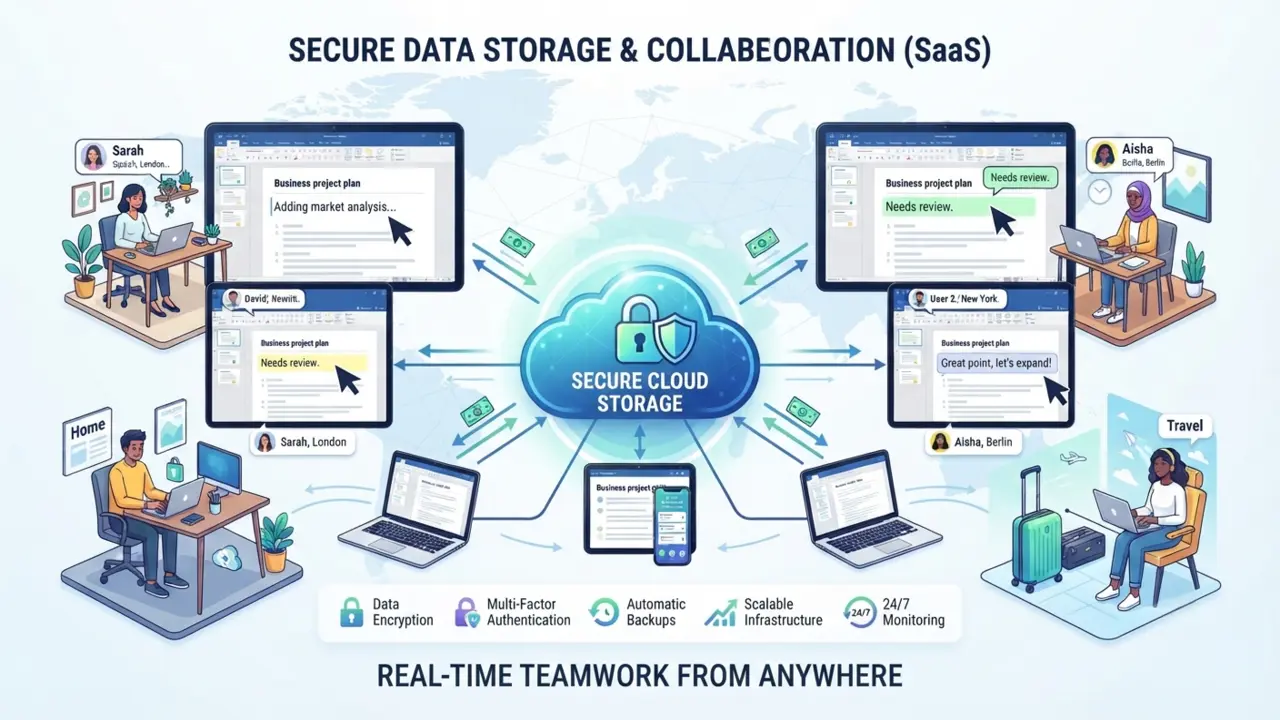
Another key feature of SaaS is centralized data storage. Instead of saving files only on your local computer, information is stored securely in the cloud. This enables real-time collaboration, making it easy for teams to work together regardless of location. For example, multiple users can edit the same document, track changes, leave comments and see updates almost instantly. This collaborative capability has become essential for remote teams, distributed businesses and organizations with employees working from different locations.
As SaaS providers continue to invest in security, scalability and user experience, cloud-based software has become the standard choice for many personal and professional applications.
Benefits Of SaaS
One of the biggest reasons SaaS has become the preferred software delivery model is the value it offers to both individuals and businesses. Whether you’re a student using an online note-taking app or a business owner managing customer relationships, SaaS provides flexibility, affordability and convenience that traditional software often can’t match.
Let’s explore the key benefits of SaaS for beginners.
Lower Upfront Costs
Traditional software often requires a significant upfront investment. You may need to purchase a perpetual license, upgrade your hardware and pay for installation or maintenance.
With SaaS, those barriers are much lower. Most SaaS providers offer subscription-based pricing, allowing you to pay a monthly or annual fee instead of making a large one-time purchase. Many platforms even provide free plans or trial periods, making it easy to test the software before committing.
This affordability makes SaaS especially attractive for:
- Small businesses
- Startups
- Freelancers
- Students
- Individual professionals
Easy Setup And Deployment
Getting started with SaaS usually takes just a few minutes. In most cases, you’ll:
- Create an account.
- Verify your email address.
- Choose a subscription plan (if required).
- Start using the software immediately.
There’s no need to install complex programs, configure servers, or worry about compatibility issues. This simplicity saves time and reduces the technical expertise needed to use modern software.
Access From Anywhere
One of the defining features of SaaS is accessibility. Because your applications and data are stored in the cloud, you can access them from virtually anywhere with an internet connection. This is particularly valuable for:
- Remote workers
- Hybrid teams
- Digital nomads
- Business travelers
- Students studying from different locations
Whether you’re working from home, the office, or a coffee shop, your software and files remain available across multiple devices.
Automatic Updates
Keeping software updated is essential for security, performance and new features. However, manually installing updates can be time-consuming and inconvenient. With SaaS, updates happen automatically in the background. This means you always have access to:
- The latest features
- Security patches
- Bug fixes
- Performance improvements
Without having to download or install anything yourself.
Scalability
As your needs grow, SaaS grows with you. For example:
- A freelancer can start with a free plan.
- A startup can upgrade to a team plan.
- A growing company can move to an enterprise solution.
Most SaaS providers allow you to add users, increase storage, or unlock advanced features with just a few clicks. This scalability eliminates the need to purchase entirely new software as your business expands.
Improved Collaboration
Modern SaaS applications are built for collaboration. Multiple users can:
- Work on the same document
- Share files instantly
- Assign tasks
- Leave comments
- Track project progress
- Communicate in real time
These features make teamwork much more efficient, especially for organizations with distributed teams.
Drawbacks Of SaaS
Although SaaS offers many advantages, it’s not without limitations. Understanding these potential drawbacks can help you make informed decisions when choosing software.
Internet Dependency
Since SaaS applications are hosted online, a stable internet connection is usually required. If your internet is slow or unavailable, you may experience:
- Reduced productivity
- Limited access to files
- Delayed synchronization
- Difficulty collaborating with others
Some SaaS applications offer offline modes, but functionality may be limited until you’re back online.
Ongoing Subscription Costs
While monthly subscriptions reduce upfront expenses, they can add up over time. For example, paying a small monthly fee for several different SaaS tools may eventually cost more than purchasing traditional software outright.
Keeping track of recurring monthly charges is an essential financial habit for anyone navigating SaaS for beginners to prevent unexpected budget strain.
Before subscribing, it’s a good idea to calculate the long-term cost and ensure you’re only paying for tools you actively use.
Limited Customization
Because SaaS platforms serve many customers from the same infrastructure, customization options may be more limited than self-hosted or locally installed software. Businesses with highly specialized workflows may need additional integrations or custom development to meet their unique requirements.
Vendor Lock-In
Switching from one SaaS provider to another isn’t always easy. Challenges may include:
- Exporting data
- Learning a new interface
- Rebuilding workflows
- Migrating users
- Reconnecting third-party integrations
Before choosing a platform, consider whether your data can be exported easily if your needs change in the future.
Privacy And Security Concerns
Although reputable SaaS providers invest heavily in cybersecurity, storing sensitive information on third-party servers naturally raises questions about privacy and compliance. When evaluating a SaaS provider, look for features such as:
- Data encryption
- Multi-factor authentication (MFA)
- Regular security audits
- Compliance certifications
- Transparent privacy policies
Choosing trusted providers and following good security practices can significantly reduce potential risks.
Types Of SaaS Applications
One of the reasons SaaS has become so popular is its versatility. Today, cloud-based software is available for nearly every personal and business need.
Here are some of the most common categories.
From productivity suites to CRM tools, exploring various categories helps simplify SaaS for beginners when selecting their first application.
Productivity Software
These tools help users create documents, spreadsheets, presentations, notes and calendars while supporting real-time collaboration.
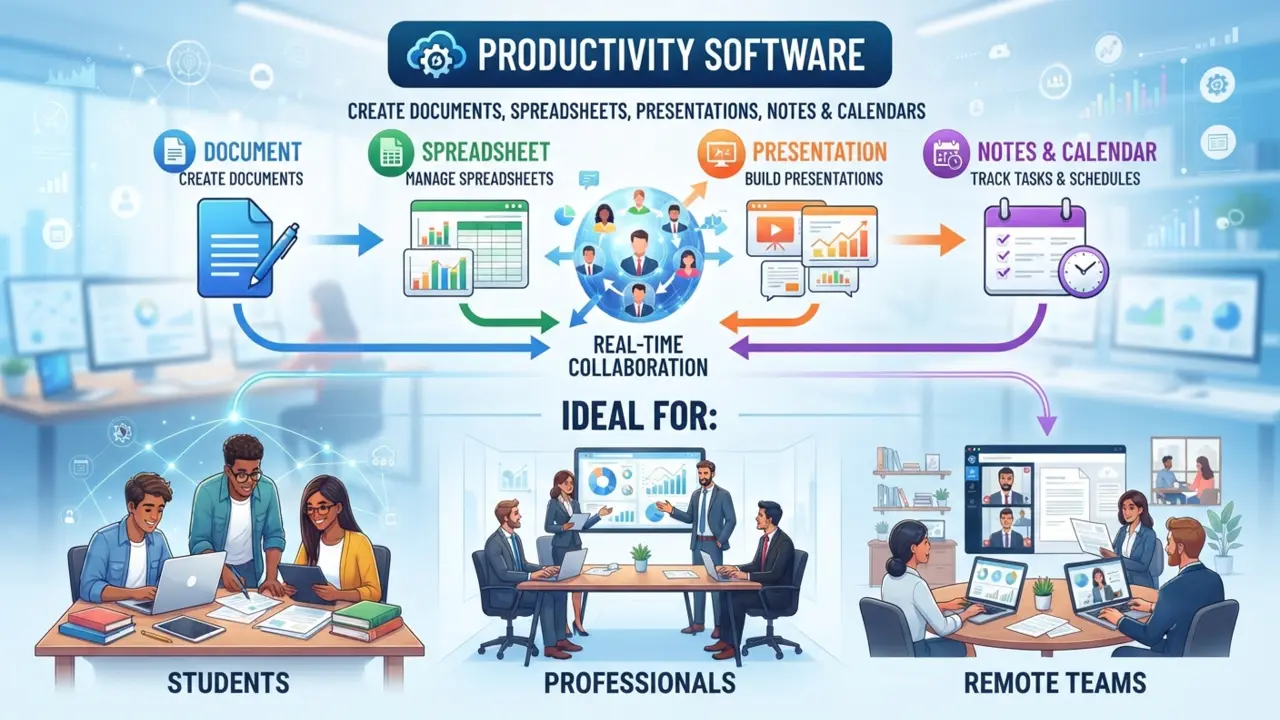
Ideal for:
- Students
- Professionals
- Remote teams
Customer Relationship Management (CRM)
CRM software helps businesses organize customer information, track sales opportunities and manage client interactions throughout the customer journey.
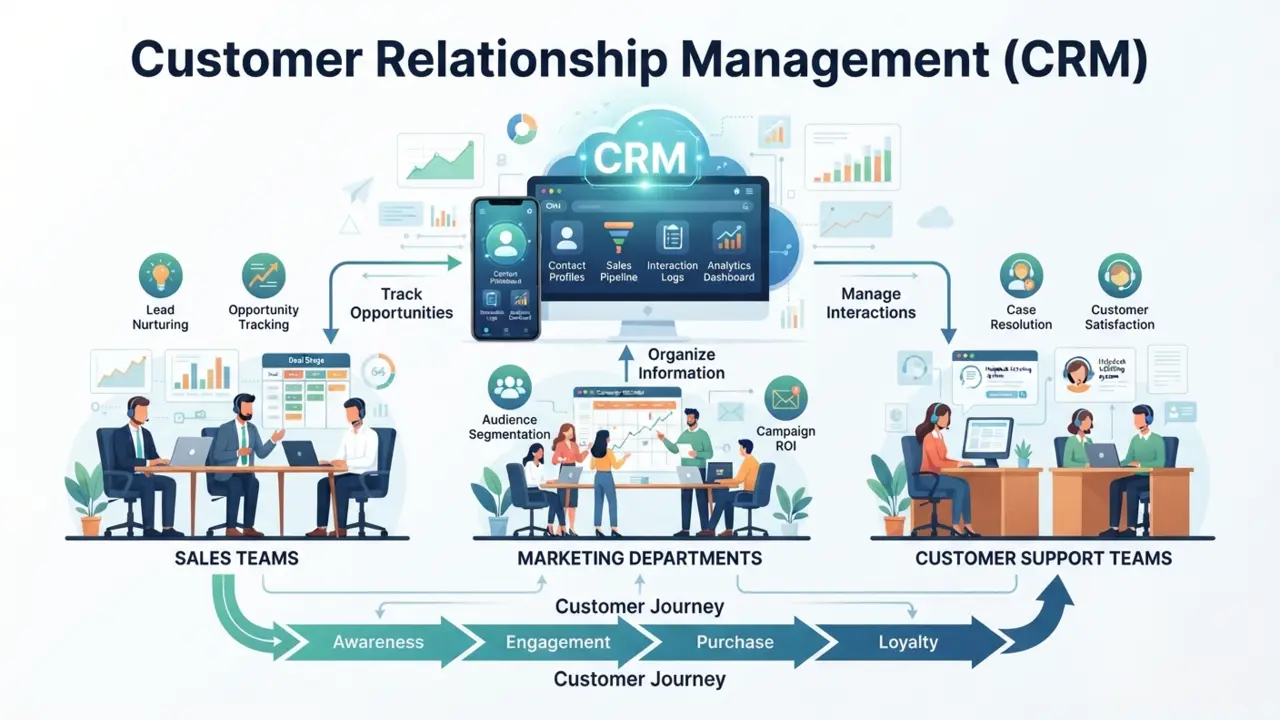
Best suited for:
- Sales teams
- Marketing departments
- Customer support teams
Project Management Software
Project management platforms help teams organize tasks, assign responsibilities, monitor deadlines and collaborate more effectively.
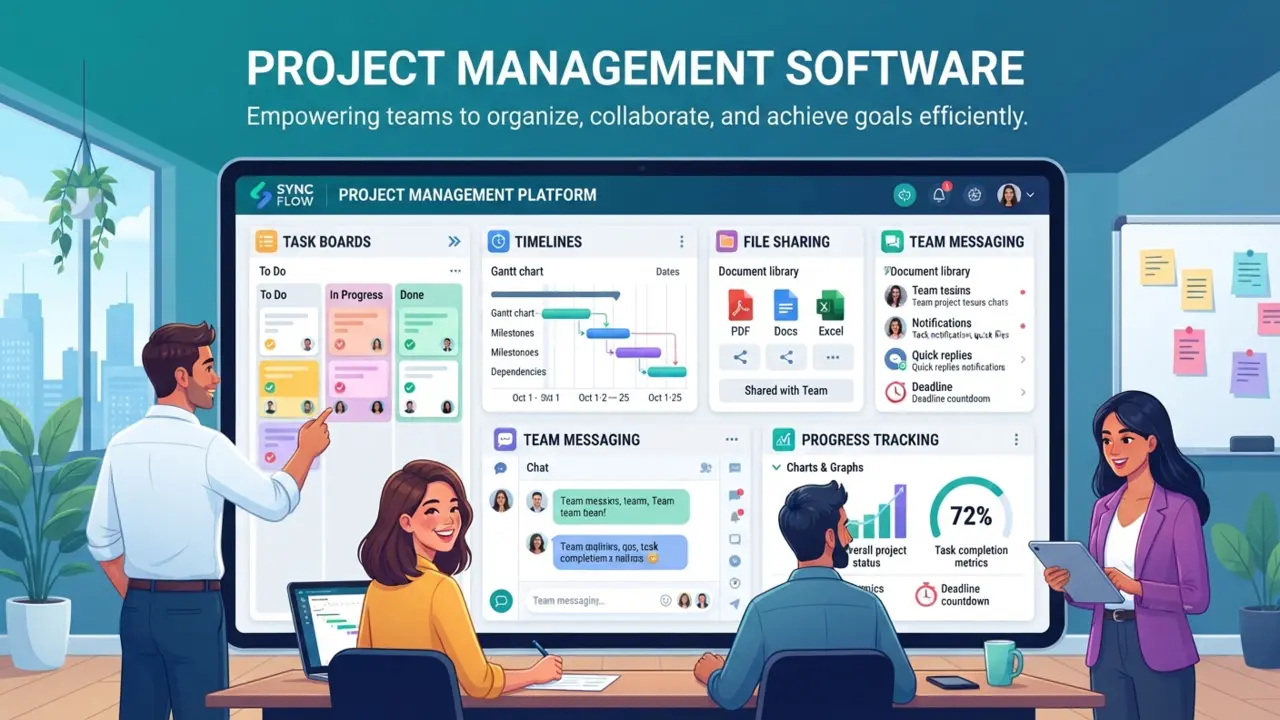
Common features include:
- Task boards
- Timelines
- File sharing
- Team messaging
- Progress tracking
Accounting And Finance Software
Cloud-based accounting tools simplify bookkeeping, invoicing, expense tracking, payroll and financial reporting.
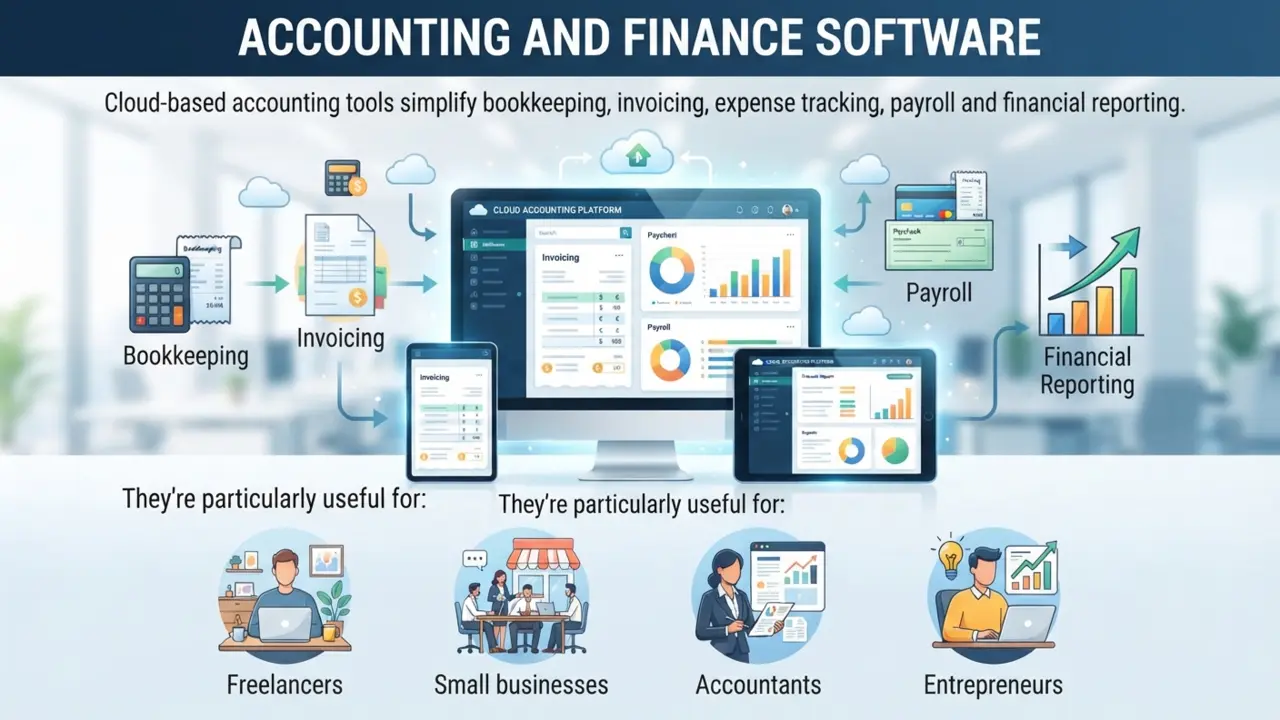
They’re particularly useful for:
- Freelancers
- Small businesses
- Accountants
- Entrepreneurs
Communication And Collaboration Tools
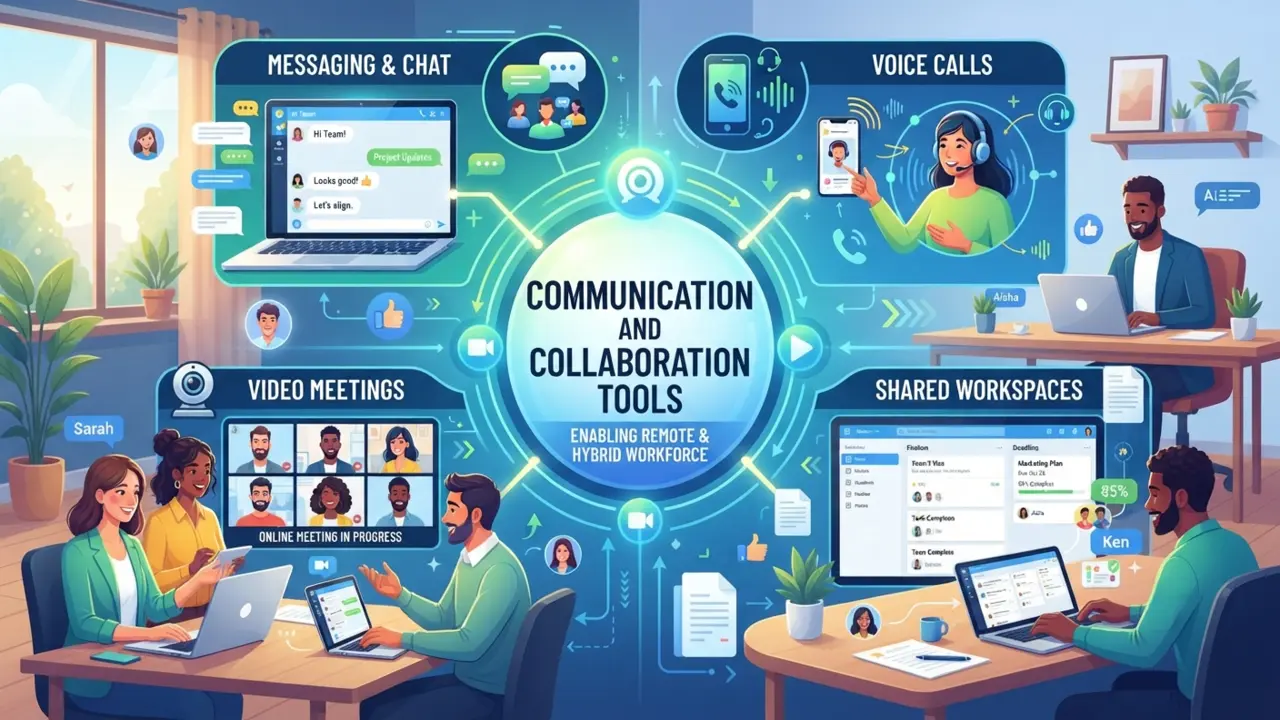
These applications enable teams to communicate through messaging, voice calls, video meetings and shared workspaces. They have become essential for remote and hybrid work environments.
Marketing Software
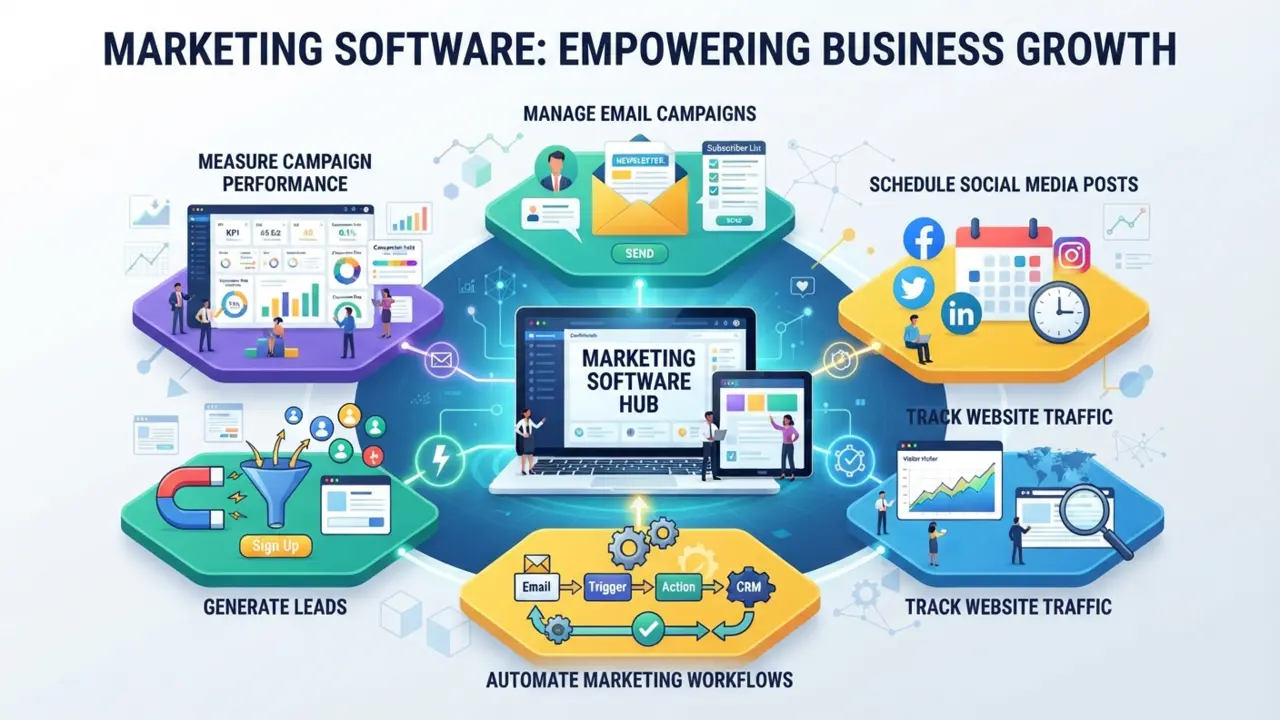
Marketing SaaS platforms help businesses:
- Manage email campaigns
- Schedule social media posts
- Track website traffic
- Automate marketing workflows
- Generate leads
- Measure campaign performance
Design And Creative Tools
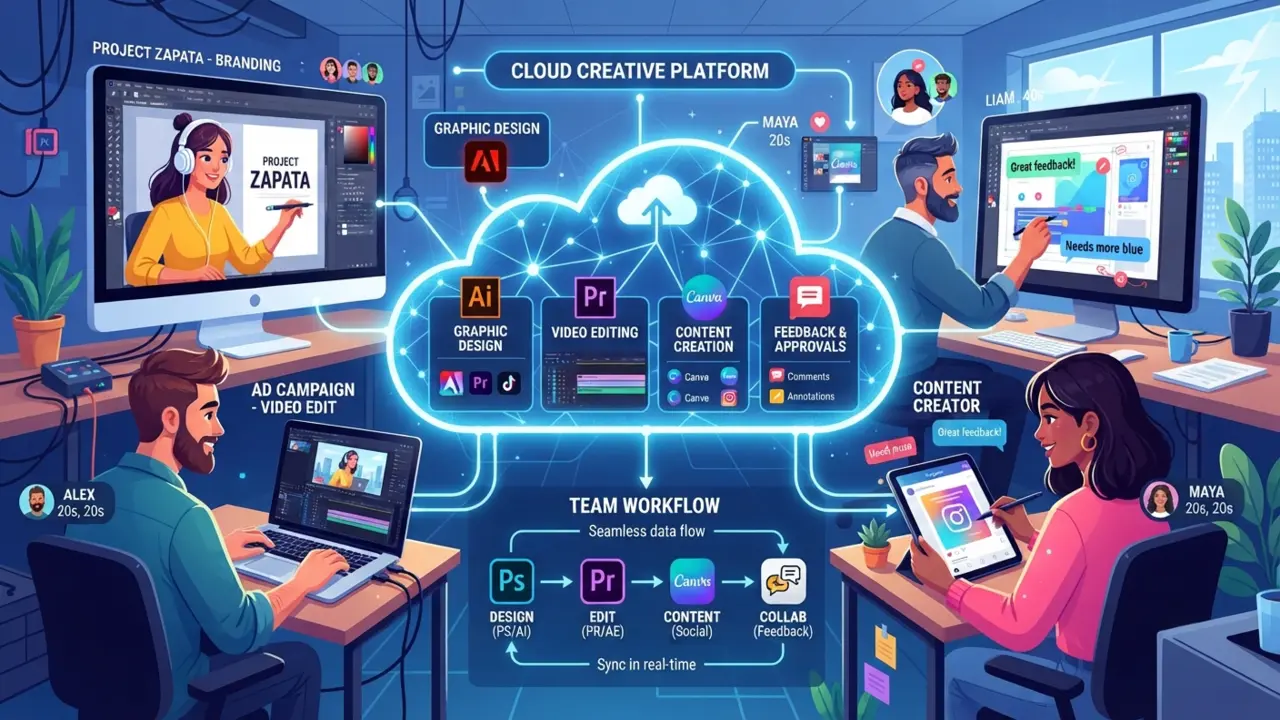
Creative professionals increasingly rely on cloud-based platforms for graphic design, video editing, content creation and collaborative feedback. These tools often allow teams to work on projects together without exchanging large files manually.
Real-World Examples Of SaaS
Understanding SaaS becomes much easier when you recognize the software you already use every day.
Here are some common examples across different categories.
| Category | Typical SaaS Use Case |
| Productivity | Creating documents, spreadsheets and presentations online |
| Cloud Storage | Storing, syncing and sharing files across devices |
| Project Management | Organizing tasks and collaborating with team members |
| CRM | Managing customer relationships and sales pipelines |
| Accounting | Tracking income, expenses, invoices and financial reports |
| Communication | Video meetings, team chat and online collaboration |
| Website Building | Creating and managing websites without installing software |
| Email Marketing | Designing newsletters and automating email campaigns |
| Graphic Design | Creating visual content directly in the browser |
| Customer Support | Managing support tickets, live chat and customer interactions |
These examples demonstrate that SaaS isn’t limited to one industry or profession. Whether you’re managing a business, studying for exams, collaborating with coworkers, or running an online store, there’s likely a SaaS solution designed to simplify your work. The growing popularity of SaaS reflects a broader shift toward cloud-based services that prioritize convenience, accessibility and continuous improvement.
How SaaS Pricing Works
One of the biggest advantages of SaaS is its flexible pricing. Unlike traditional software, which often requires a large upfront investment, SaaS products typically offer subscription-based plans that cater to different budgets and user needs.
Free tiers and freemium models are especially helpful features of SaaS for beginners testing the waters.
Understanding these pricing models will help you choose software that delivers the best value without overspending.
Free Plans
Many SaaS providers offer a completely free version of their software.
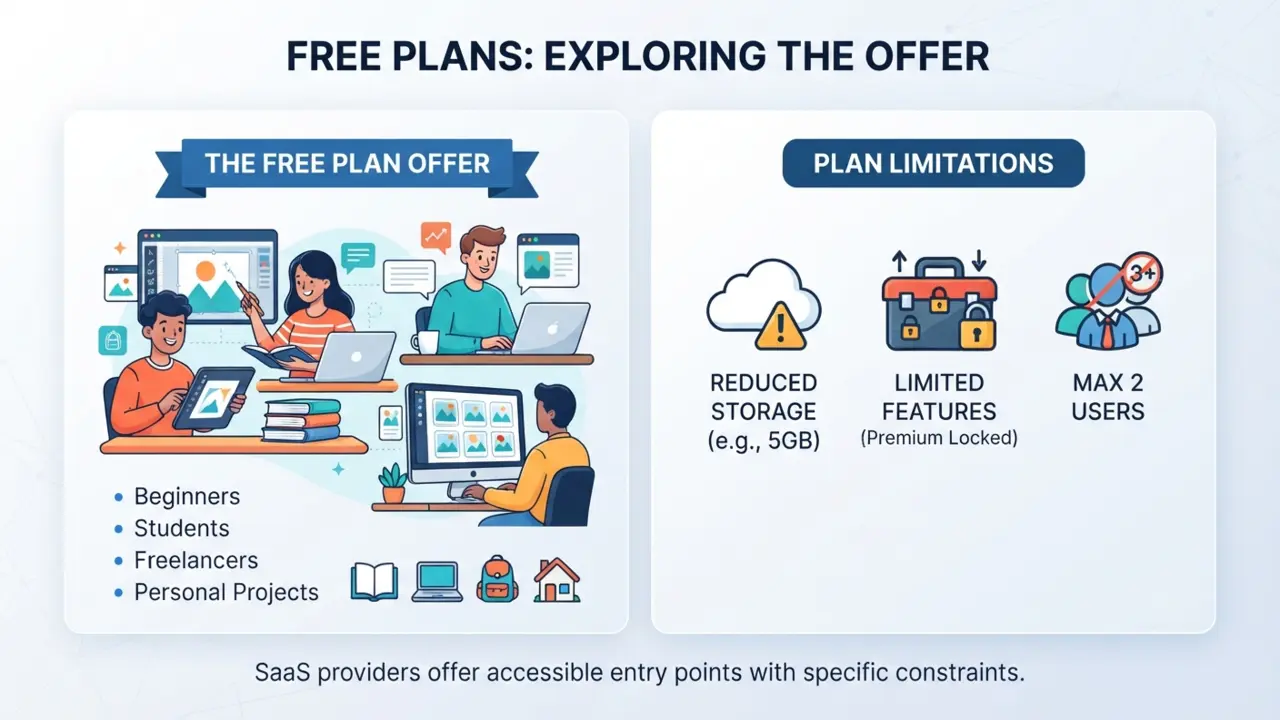
These plans are ideal for:
- Beginners learning a new tool
- Students
- Freelancers
- Personal projects
However, free plans often come with limitations, such as reduced storage, fewer features, or restrictions on the number of users.
Freemium Plans
The freemium model gives users access to core features at no cost while reserving advanced capabilities for paid subscribers.
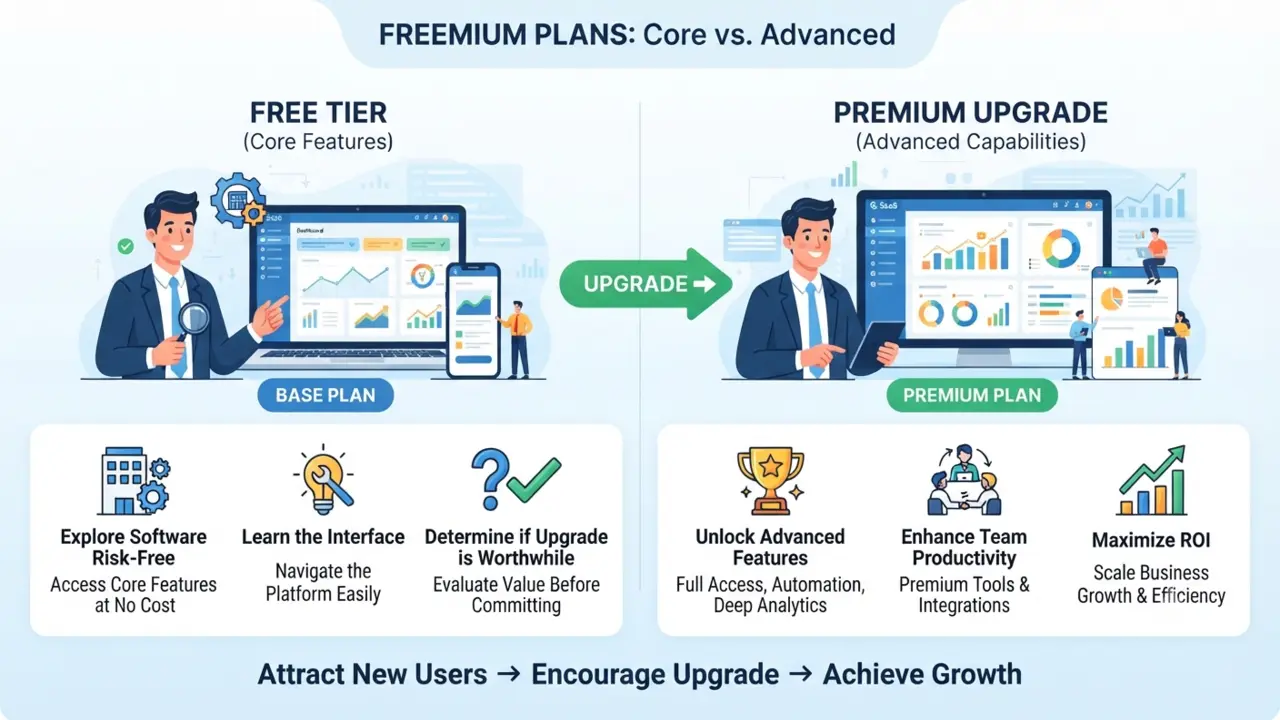
This pricing model allows you to:
- Explore the software risk-free
- Learn the interface
- Determine whether premium features are worth the upgrade
Many successful SaaS companies use freemium plans to attract new users before encouraging them to move to paid tiers.
Monthly Subscriptions
Monthly billing is the most common SaaS pricing model.
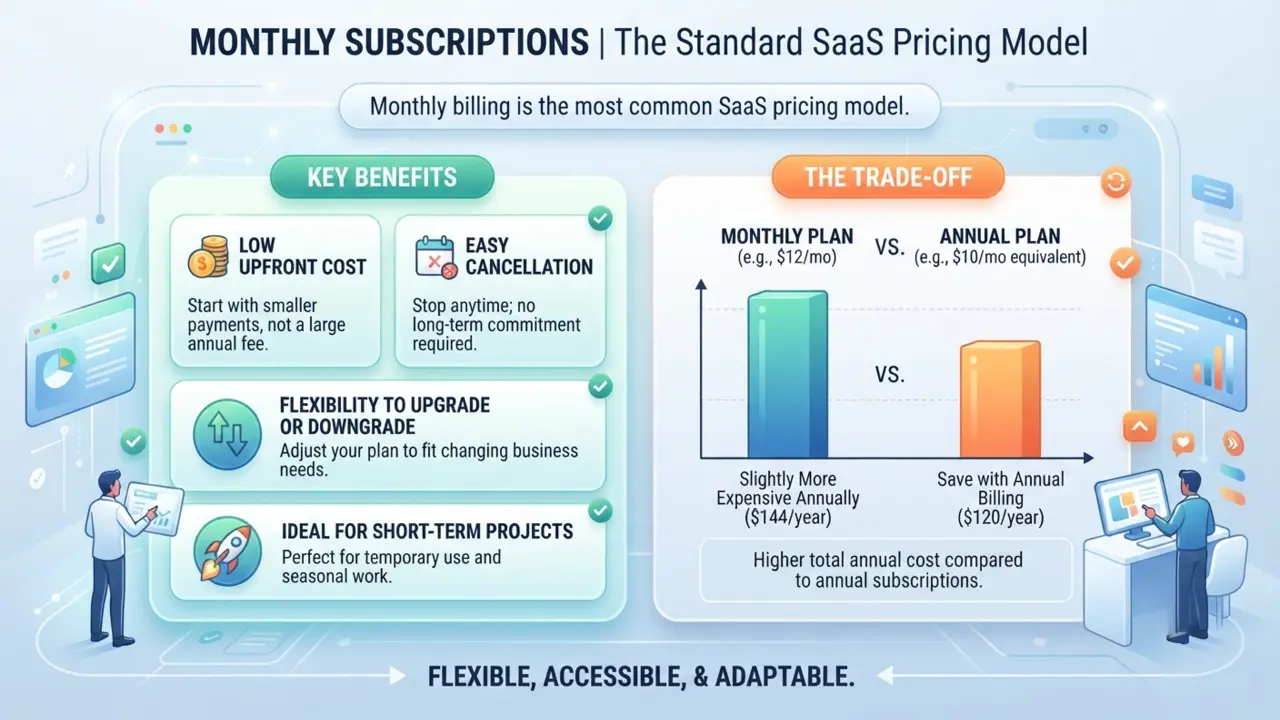
It offers several benefits:
- Low upfront cost
- Easy cancellation
- Flexibility to upgrade or downgrade
- Ideal for short-term projects
The trade-off is that monthly plans often cost slightly more over the course of a year than annual subscriptions.
Annual Plans
Many providers reward long-term customers with discounted annual pricing.
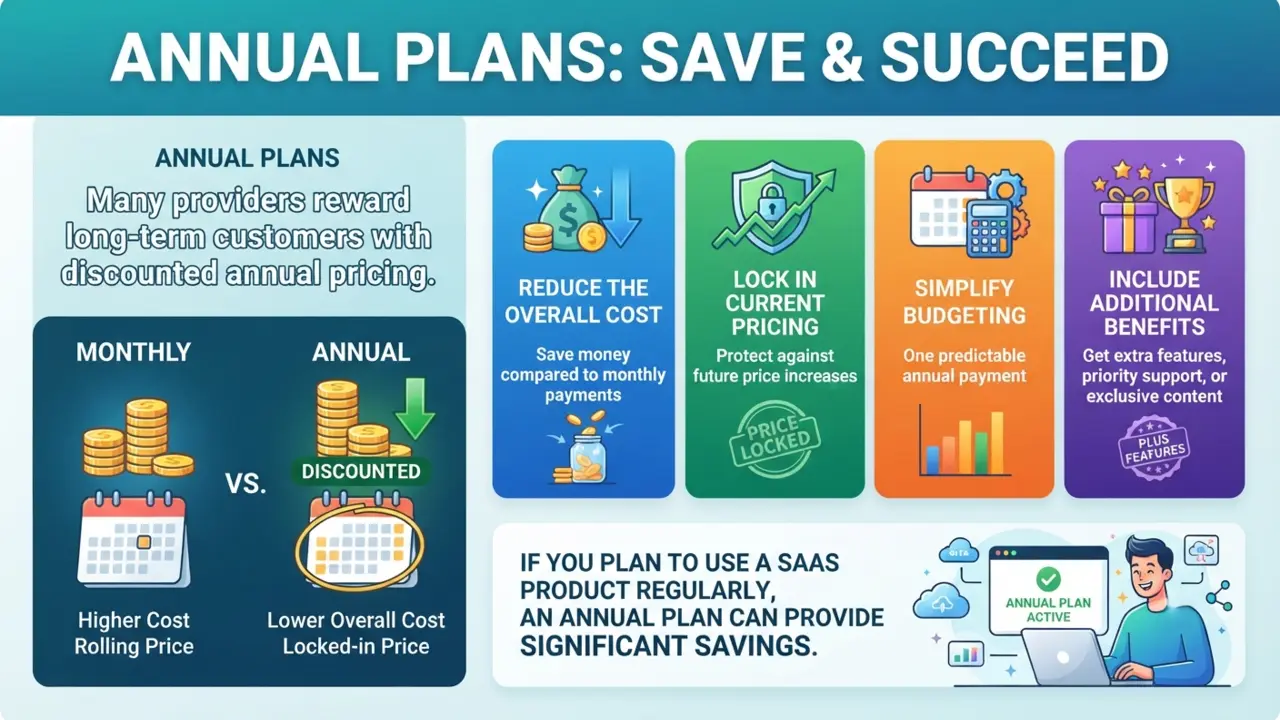
Annual subscriptions typically:
- Reduce the overall cost
- Lock in current pricing
- Simplify budgeting
- Include additional benefits or features
If you plan to use a SaaS product regularly, an annual plan can provide significant savings.
Usage-Based Pricing
Some SaaS platforms charge based on how much you use the service.
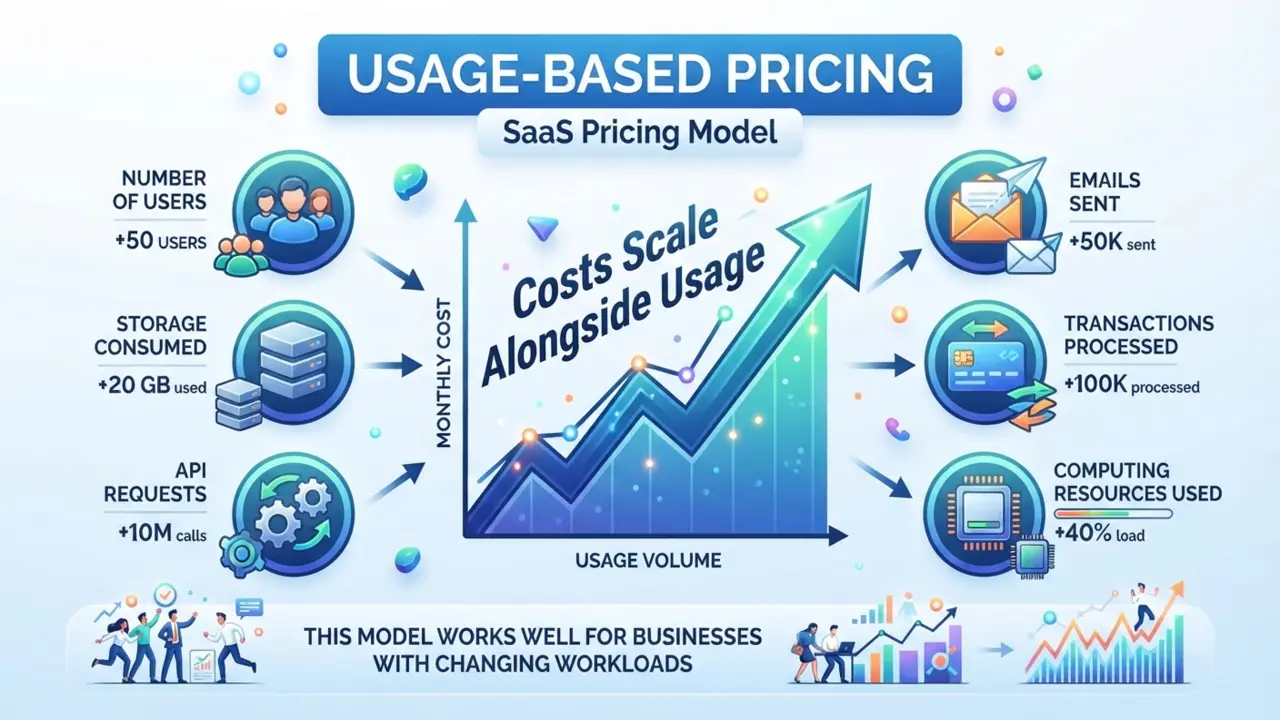
Pricing may depend on:
- Number of users
- Storage consumed
- API requests
- Emails sent
- Transactions processed
- Computing resources used
This model works well for businesses with changing workloads because costs scale alongside usage.
How To Choose Your First Tool: A Practical SaaS For Beginners Checklist
With thousands of SaaS applications available, selecting the right one can feel overwhelming. A structured approach makes the process much easier. By identifying your core needs and testing free trials, the process of evaluating SaaS for beginners becomes much more manageable.
Actionable Tips for SaaS for Beginners When Selecting Software:
Identify Your Needs
Start by asking yourself what problem you’re trying to solve.
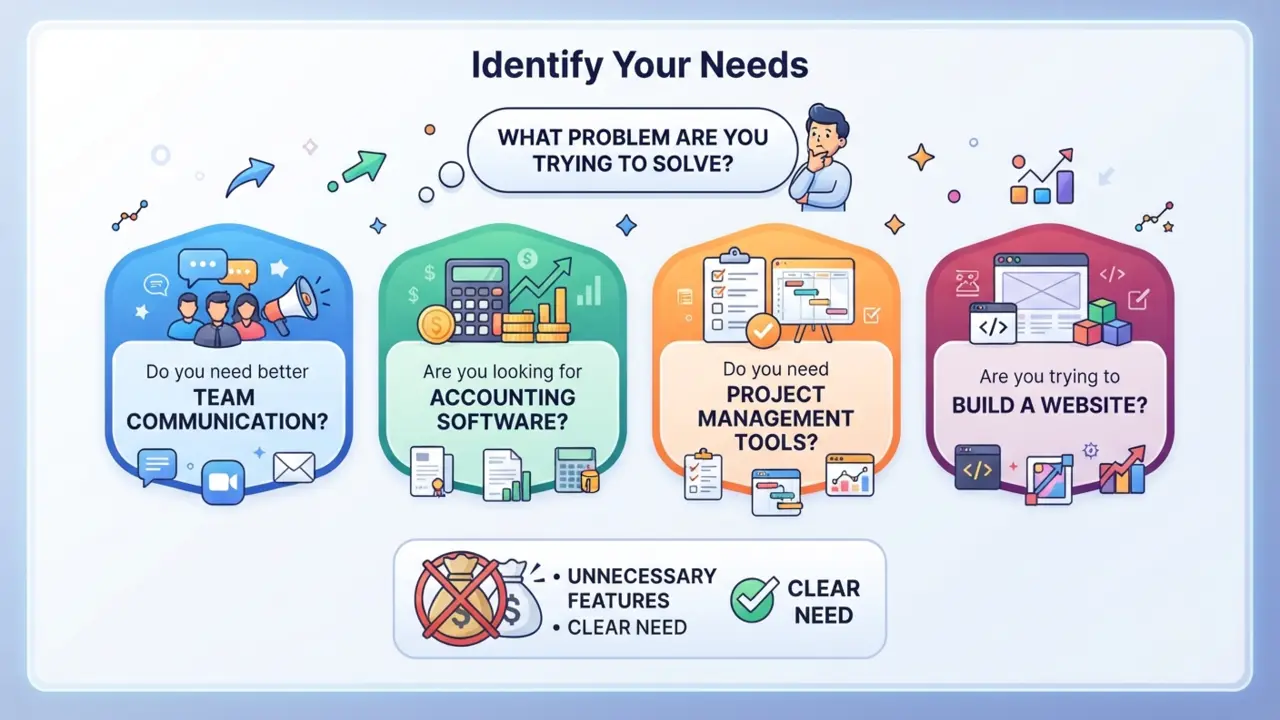
For example:
- Do you need better team communication?
- Are you looking for accounting software?
- Do you need project management tools?
- Are you trying to build a website?
Choosing software based on a clear need helps you avoid paying for unnecessary features.
Compare Features
Create a shortlist of potential solutions and compare what each offers.
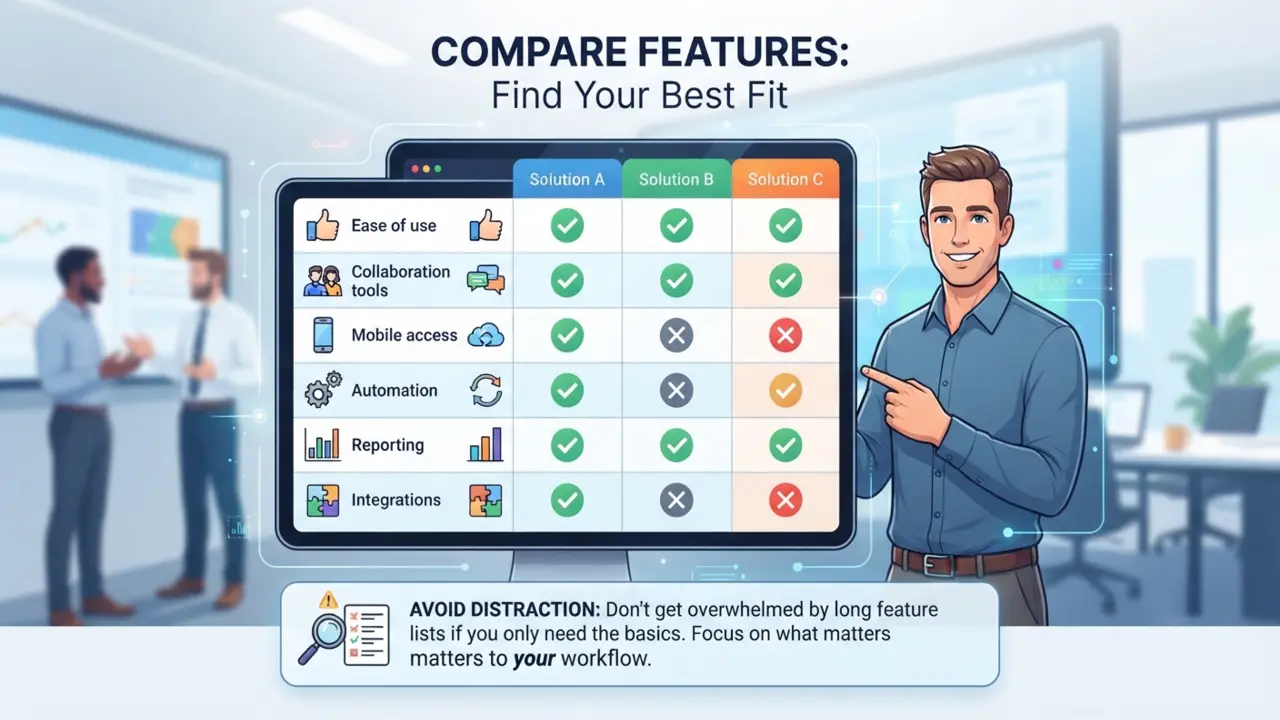
Look for features that matter most to your workflow, such as:
- Ease of use
- Collaboration tools
- Mobile access
- Automation
- Reporting
- Integrations
Avoid being distracted by long feature lists if you only need the basics.
Evaluate Security
Security should always be a priority, especially if you’ll store personal or business information online.
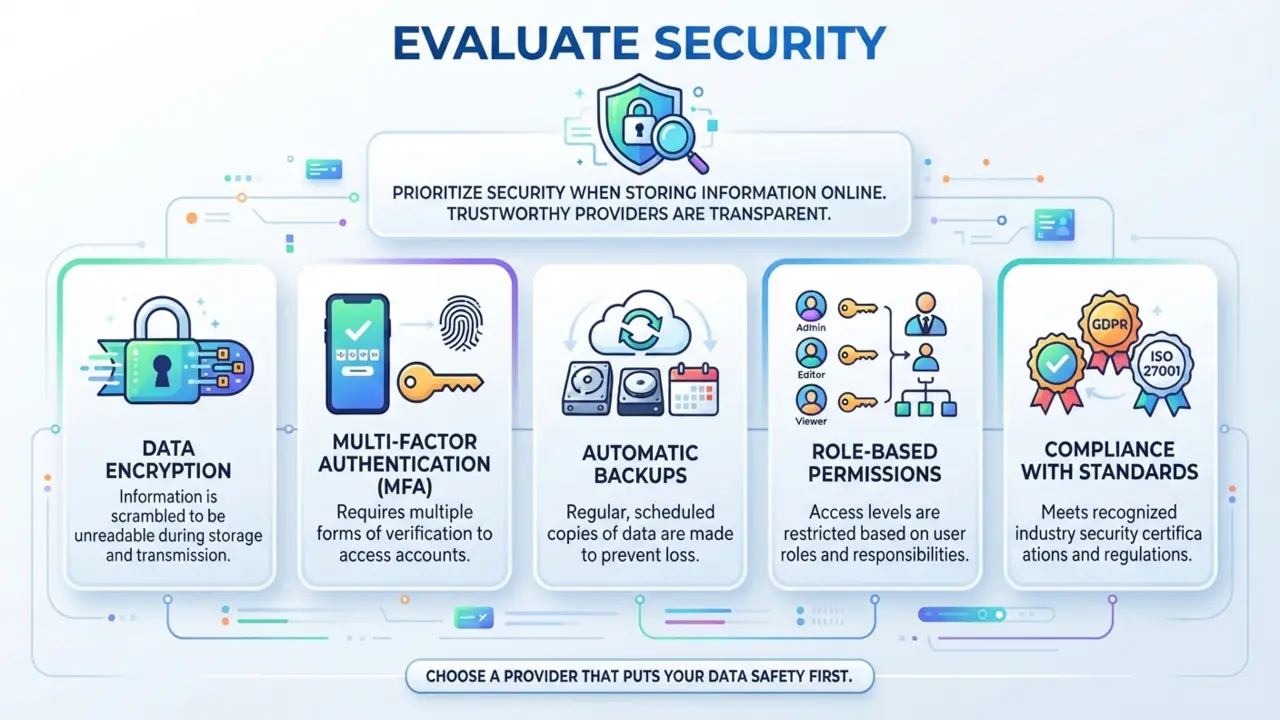
Consider whether the provider offers:
- Data encryption
- Multi-factor authentication (MFA)
- Automatic backups
- Role-based permissions
- Compliance with relevant security standards
A trustworthy provider is transparent about how customer data is protected.
Read Reviews And Testimonials
User reviews can provide valuable insights into real-world performance.
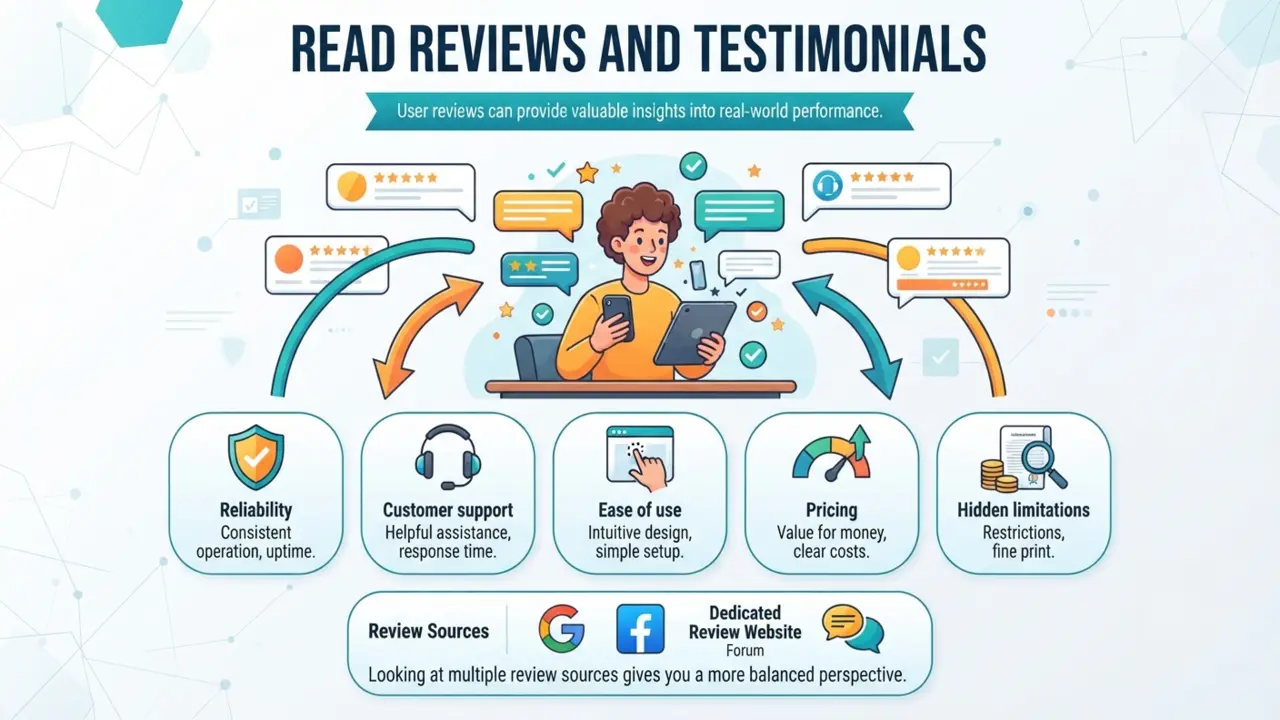
Pay attention to comments about:
- Reliability
- Customer support
- Ease of use
- Performance
- Pricing
- Hidden limitations
Looking at multiple review sources gives you a more balanced perspective.
Take Advantage Of Free Trials
Whenever possible, test the software before purchasing.
During a free trial, evaluate:
- How intuitive the interface feels
- Whether it solves your problem
- Overall performance
- Available support resources
- Integration with your existing tools
Hands-on experience is often the best way to determine whether a SaaS product is the right fit.
SaaS Best Practices For Beginners
Following a few simple best practices can help you get the most value from your SaaS subscriptions. Starting small and training your team are essential SaaS for beginners best practices that ensure long-term success.
Start Small
There’s no need to subscribe to multiple platforms at once. Begin with one or two essential tools, learn them thoroughly and expand your software stack only when necessary.
Train Yourself And Your Team
Even the best software won’t improve productivity if users don’t understand how to use it effectively.
Take advantage of:
- Tutorials
- Knowledge bases
- Video guides
- Webinars
- Community forums
Most SaaS providers offer free educational resources to help users get started.
Review Your Subscriptions Regularly
It’s easy to accumulate subscriptions over time.
Every few months, review your active SaaS products and ask:
- Do I still use this tool?
- Am I paying for features I don’t need?
- Is there a better alternative?
Removing unused subscriptions can significantly reduce recurring expenses.
Enable Security Features
Protect your account by enabling available security measures.
Recommended practices include:
- Using strong, unique passwords
- Enabling multi-factor authentication
- Reviewing account activity
- Limiting user permissions where appropriate
Small security habits can prevent major problems later.
Keep Learning
The SaaS industry evolves rapidly. New tools, features and pricing models appear regularly, so staying informed helps you make better software decisions over time.
As cloud technology rapidly evolves, staying curious and continuing your education in SaaS for beginners ensures you always pick the most efficient tools.
Frequently Asked Questions
- What is SaaS in simple words?
SaaS (Software as a Service) is software you use over the internet instead of installing it on your computer. You simply sign in through a web browser or mobile app, while the provider manages the servers, updates and maintenance.
- What does SaaS stand for?
SaaS stands for Software as a Service.
- How does SaaS work?
SaaS applications are hosted on cloud servers. Users access them online through a browser or app, while the provider handles hosting, security, updates and data storage.
- Is SaaS the same as cloud computing?
Not exactly. Cloud computing is the broader concept of delivering computing resources over the internet. SaaS is one type of cloud computing that focuses specifically on delivering software to end users.
- What are examples of SaaS?
Common examples include online productivity suites, project management platforms, customer relationship management software, cloud storage services, website builders, accounting tools, communication apps and email marketing platforms.
- What are the advantages of SaaS?
Key benefits include:
- Lower upfront costs
- Automatic updates
- Remote accessibility
- Easy scalability
- Improved collaboration
- Reduced IT maintenance
- What are the disadvantages of SaaS?
Potential drawbacks include:
- Internet dependency
- Ongoing subscription costs
- Limited customization
- Vendor lock-in
- Data privacy considerations
- How is SaaS different from traditional software?
Traditional software is usually installed on individual computers and often requires manual updates. SaaS runs in the cloud, is accessed online and is maintained by the service provider.
- Can small businesses benefit from SaaS?
Absolutely. SaaS allows small businesses to access powerful software without investing in expensive hardware or dedicated IT infrastructure.
- How do beginners choose the right SaaS software?
Start by identifying your needs, comparing features, checking security, reading user reviews and testing free trials before making a purchasing decision.
Conclusion: Final Thoughts On Mastering SaaS For Beginners
Software as a Service has fundamentally changed the way people access and use software. Instead of purchasing programs, installing updates and maintaining complex systems, users can simply subscribe to cloud-based applications that are available whenever and wherever they’re needed.
For individuals, SaaS offers convenience, flexibility and affordability. For businesses, it provides scalability, collaboration and predictable operating costs. While it’s important to consider factors such as internet reliability, subscription expenses and data security, the benefits often outweigh the challenges for most users.
If you’re just beginning your journey into cloud-based software, remember that you don’t need to adopt every tool at once. Start with a clear goal, explore free plans or trials and choose applications that solve real problems rather than adding unnecessary complexity.
By understanding how SaaS works, the pricing models available and the best practices for selecting and managing software, you’ll be well-equipped to make informed decisions and get the most value from your investment. As cloud technology continues to evolve, developing a strong foundation in SaaS for beginners concepts will help you confidently navigate an increasingly digital world.